IT Web
Live
News
BS4
client-pages
Documentation
Add a news section or other content to your Omni CMS website with content promoter. Learn how to use tags, add a CP feed to your homepage, and more.
Content Promoter | IT Web
Add a news section or other content to your Omni CMS website with content promoter. Learn how to use tags, add a CP feed to your homepage, and more.
Training
client-pages
recordings
Live
IT Web
BS4
Want to learn more about Web Accessibility but couldn't attend one of our live workshops? Learn more and watch a recording of the April 16, 2019 workshop with Christopher Phillips.
IVC Recording of Website Accessibility Workshop 04-16-2019 | IT Web Team
Want to learn more about Web Accessibility but couldn't attend one of our live workshops? Learn more and watch a recording of the April 16, 2019 workshop with Christopher Phillips.
IT Web
Live
client-pages
BS4
Keep your website relevant, up-to-date, and functioning great by completing an annual review. Check for various web accessibility issues, outdated content, and poor-quality images, then take action! The quality of your website depends on you.
Annual Website Audit | IT Web
Keep your website relevant, up-to-date, and functioning great by completing an annual review. Check for various web accessibility issues, outdated content, and poor-quality images, then take action! The quality of your website depends on you.
Live
IT Web
BS4
client-pages
Learn how to work with the IT Web Team to access your CMS website analytics through Google Looker Studio (formerly Data Studio).
Analytics | IT Web Team
Learn how to work with the IT Web Team to access your CMS website analytics through Google Looker Studio (formerly Data Studio).
IT Web
client-pages
BS4
Live
Only someone with a valid USU ID number (A-number) can have access to edit an Omni CMS website at USU. If you have a need for editors not affiliated with USU, here is what you need to know.
Access for Non-USU Staff Members to Edit Omni CMS Websites | IT Web
Only someone with a valid USU ID number (A-number) can have access to edit an Omni CMS website at USU. If you have a need for editors not affiliated with USU, here is what you need to know.
client-pages
Documentation
BS4
IT Web
Live
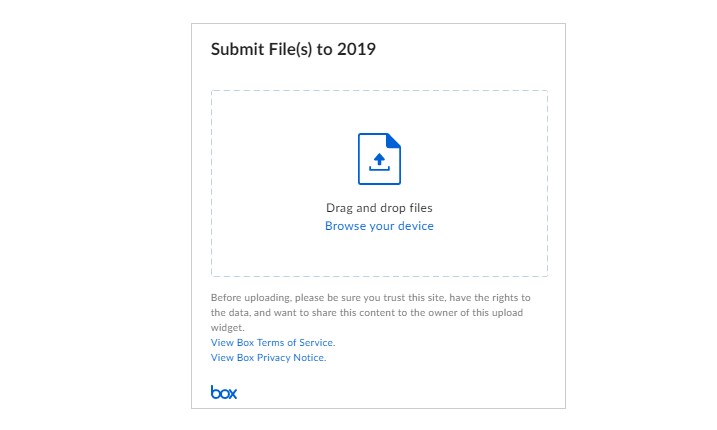
Learn how to get the embed widget code for a Box folder, including how to gain access to that code as a co-owner.
Box Embed Widget | IT Web
Learn how to get the embed widget code for a Box folder, including how to gain access to that code as a co-owner.
Live
client-pages
Documentation
IT Web
BS4
Older content, no longer relevant on a website can be maintained using the USU Library Digital Commons service.
Digital Commons for Archive Web Content Storage | IT Web
Older content, no longer relevant on a website can be maintained using the USU Library Digital Commons service.
IT Web
Live
BS4
Documentation
client-pages
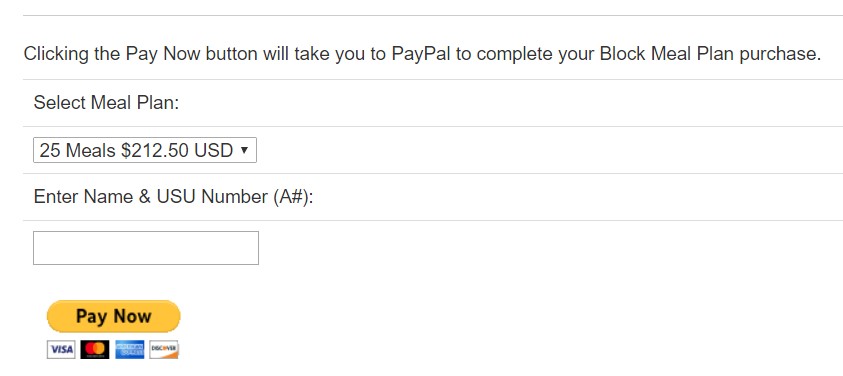
Learn more about what your college, department, or program can do with e-commerce.
E-commerce | IT Web
Learn more about what your college, department, or program can do with e-commerce.
IT Web
Documentation
Live
client-pages
BS4
Directory
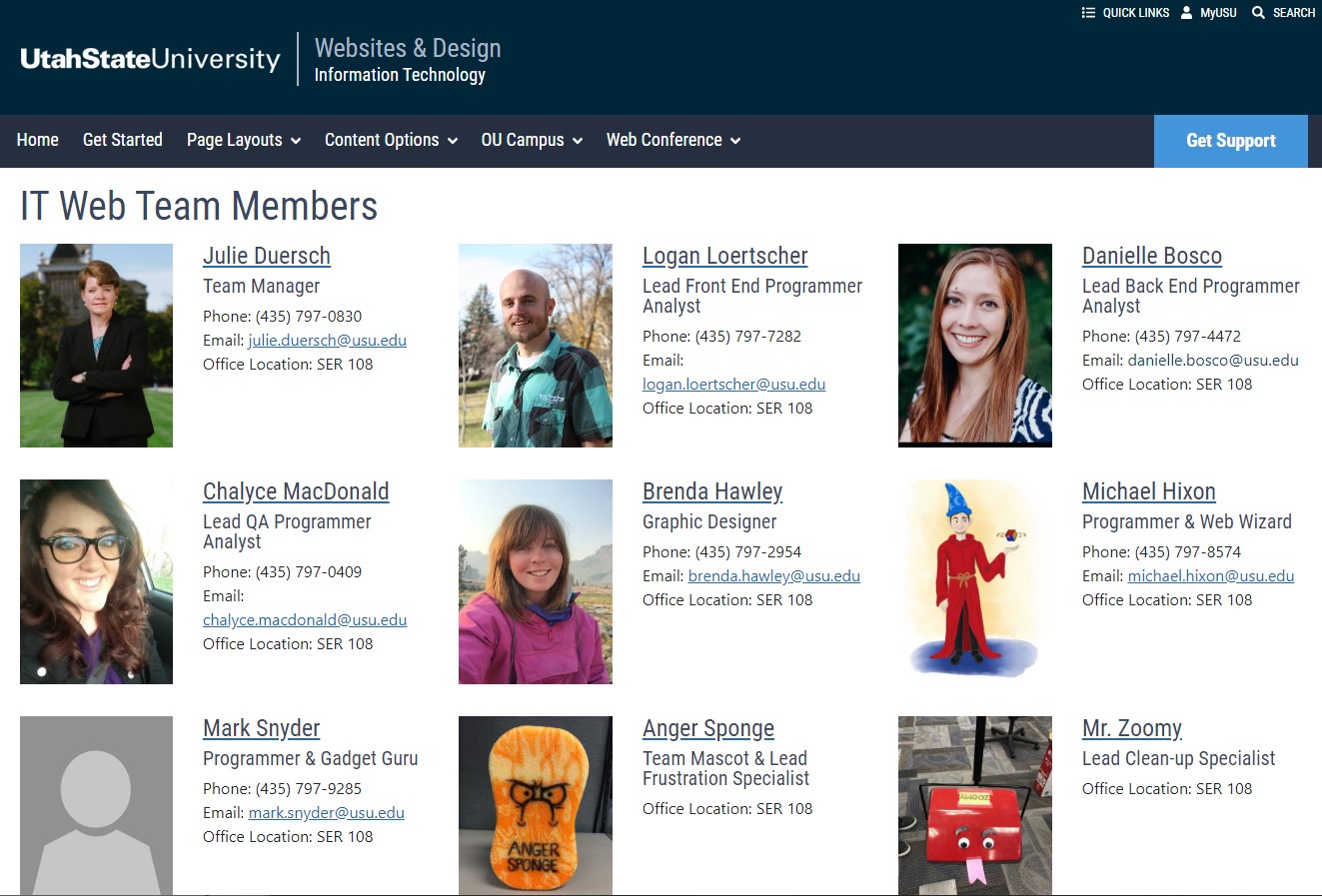
Learn about your options for displaying a faculty and staff directory on your website. Setting up the directory is handled by the IT Web Team. Adding faculty and staff members is the responsibility of the content manager.
Faculty & Staff Directory
Learn about your options for displaying a faculty and staff directory on your website. Setting up the directory is handled by the IT Web Team. Adding faculty and staff members is the responsibility of the content manager.
Documentation
Live
BS4
client-pages
IT Web
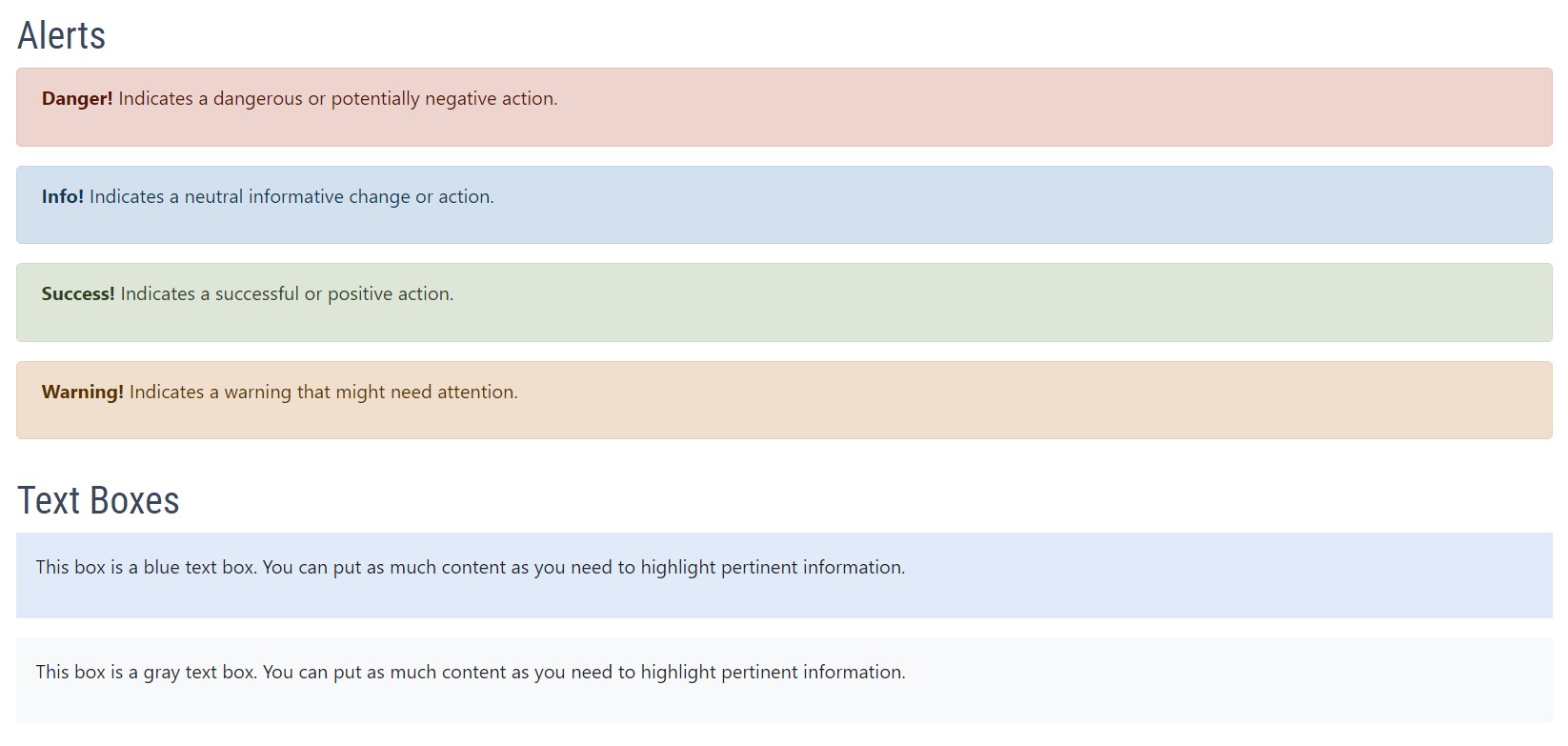
Examples of alerts and text boxes and how to implement them on USU websites
Alerts | IT Web
Examples of alerts and text boxes and how to implement them on USU websites
IT Web
Live
client-pages
BS4
Make sure your USU website stays up-to-date and accessible for all website visitors each year.
Annual Website Audits
Make sure your USU website stays up-to-date and accessible for all website visitors each year.
client-pages
BS4
IT Web
Live
Learn how to create and edit forms, galleries and other assets in Omni CMS.
Assets | IT Web
Learn how to create and edit forms, galleries and other assets in Omni CMS.
client-pages
Documentation
Live
IT Web
BS4
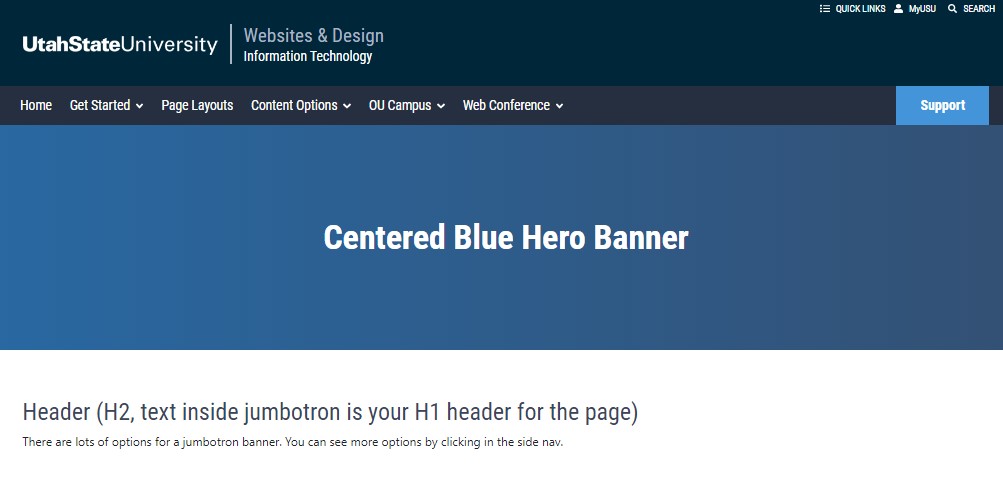
Example of a Centered Blue Hero Banner and instructions for implementation.
Banner Centered Text | IT Web
Example of a Centered Blue Hero Banner and instructions for implementation.
BS4
client-pages
Live
IT Web
Sometimes it can be helpful to know just a little bit how your webpage is built so you can format it properly.
Basic HTML Formatting
Sometimes it can be helpful to know just a little bit how your webpage is built so you can format it properly.
IT Web
client-pages
Live
BS4
Learn how to start editing webpages in Omni CMS for your college or department
Become a Content Manager | IT Web
Learn how to start editing webpages in Omni CMS for your college or department
client-pages
Live
IT Web
Documentation
BS4
Helpful hints on using Photoshop, choosing your image type, and preparing images suitable for use as header banners.
Best Practices for Banners & Images
Helpful hints on using Photoshop, choosing your image type, and preparing images suitable for use as header banners.
client-pages
Documentation
Live
IT Web
BS4
Example of Blue Hero Banner with Subtitle and instructions for implementation
Blue Hero Banner with Subtitle | IT Web
Example of Blue Hero Banner with Subtitle and instructions for implementation
BS4
Documentation
IT Web
client-pages
Live
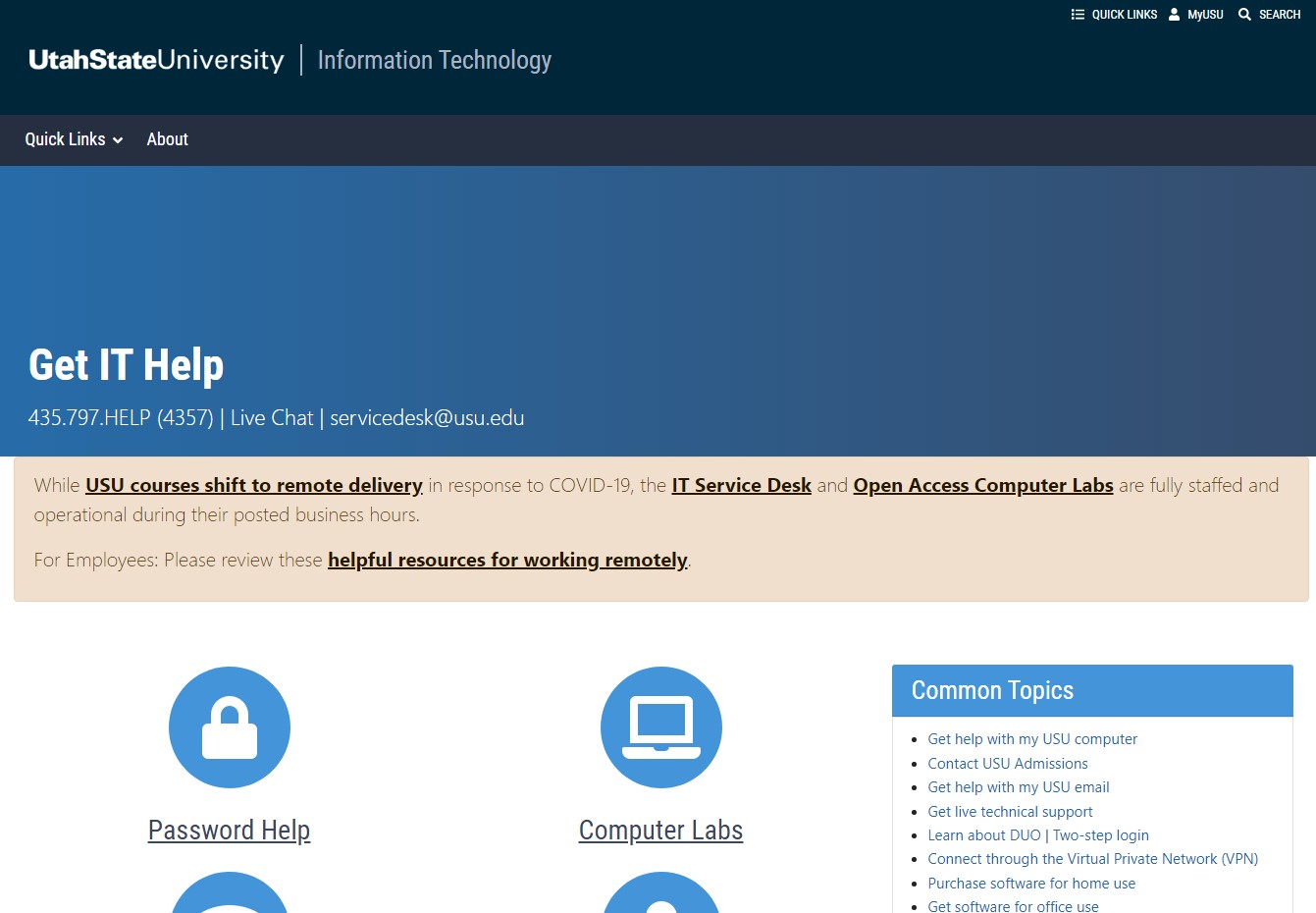
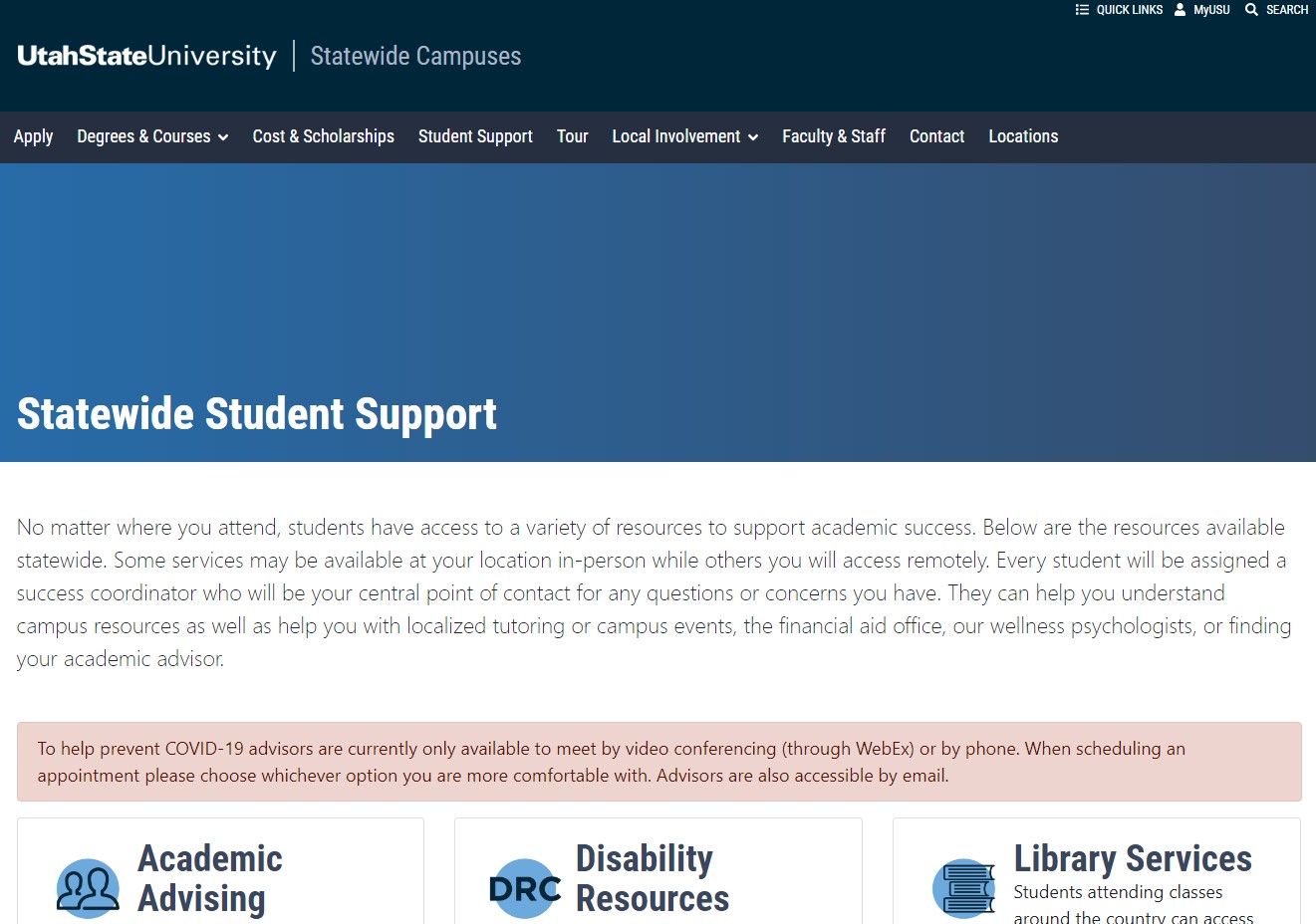
Example of a full width banner
Blue Hero Banner | IT Web
Example of a full width banner
BS4
IT Web
client-pages
Documentation
Live
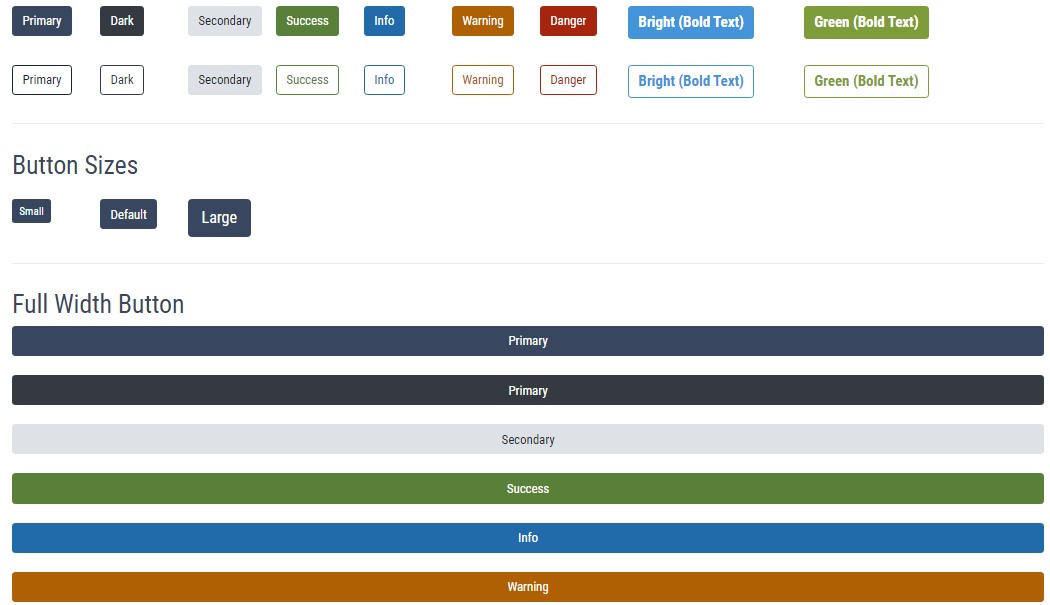
Examples of button types and colors and how to implement them on USU websites
Buttons | IT Web
Examples of button types and colors and how to implement them on USU websites
IT Web
Live
Documentation
client-pages
BS4
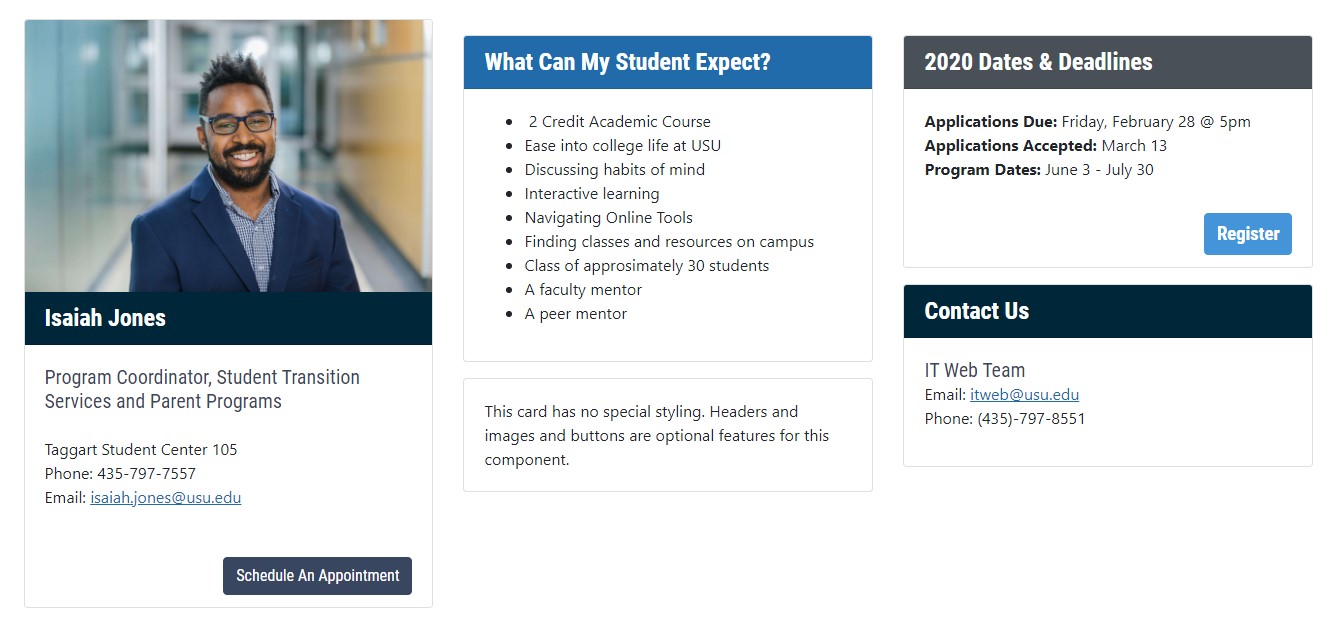
You can use a card component to display information with a picture and button in a clean and organized way.
Card Component | IT Web
You can use a card component to display information with a picture and button in a clean and organized way.
Documentation
Live
IT Web
BS4
client-pages
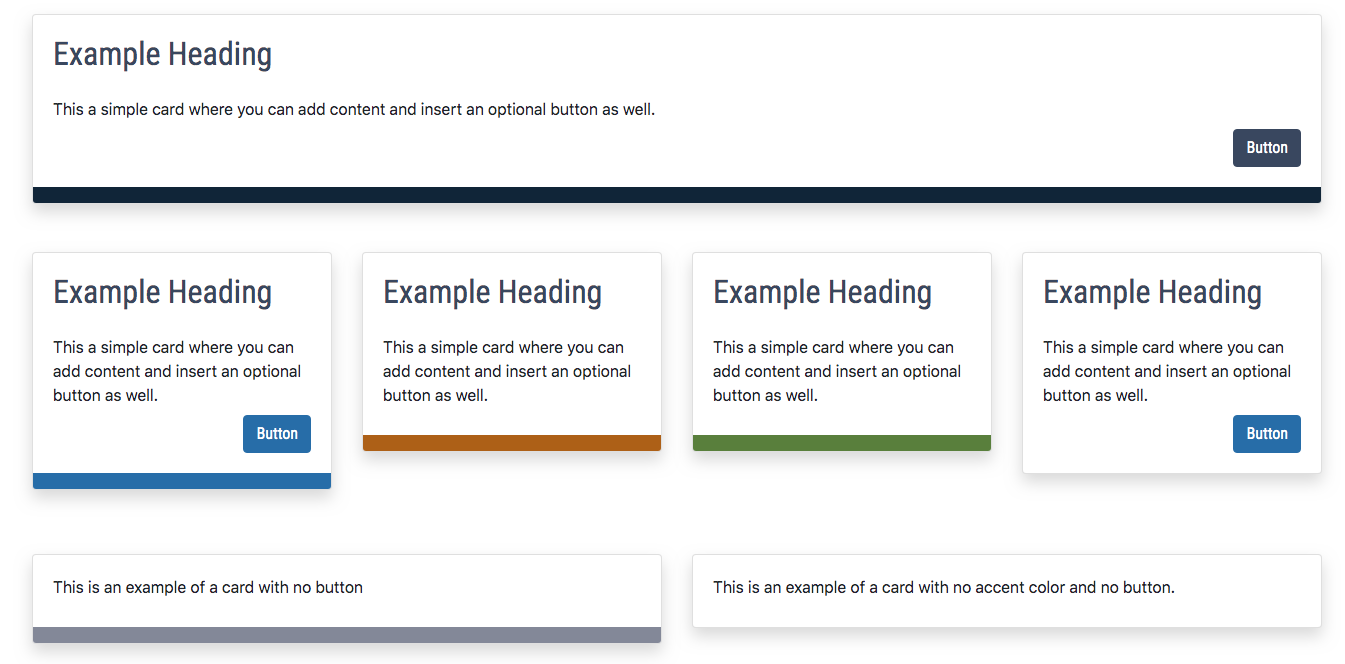
Examples of Cards with Accent color options and how to implement them on USU websites
Card with Accent Color | IT Web
Examples of Cards with Accent color options and how to implement them on USU websites
client-pages
BS4
IT Web
Documentation
Live
Examples of Cards with Accent color options and how to implement them on USU websites
Card with Accent Color | IT Web
Examples of Cards with Accent color options and how to implement them on USU websites
Documentation
Live
IT Web
BS4
client-pages
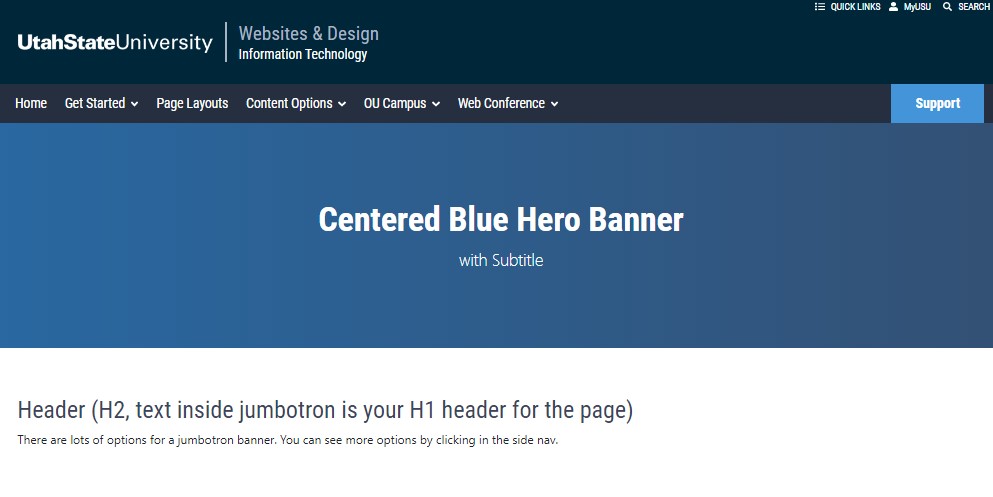
Example of Centered Blue Hero Banner with Subtitle and instructions for implementation
Centered Blue Hero Banner with Subtitle | IT Web
Example of Centered Blue Hero Banner with Subtitle and instructions for implementation
client-pages
Documentation
IT Web
Live
BS4
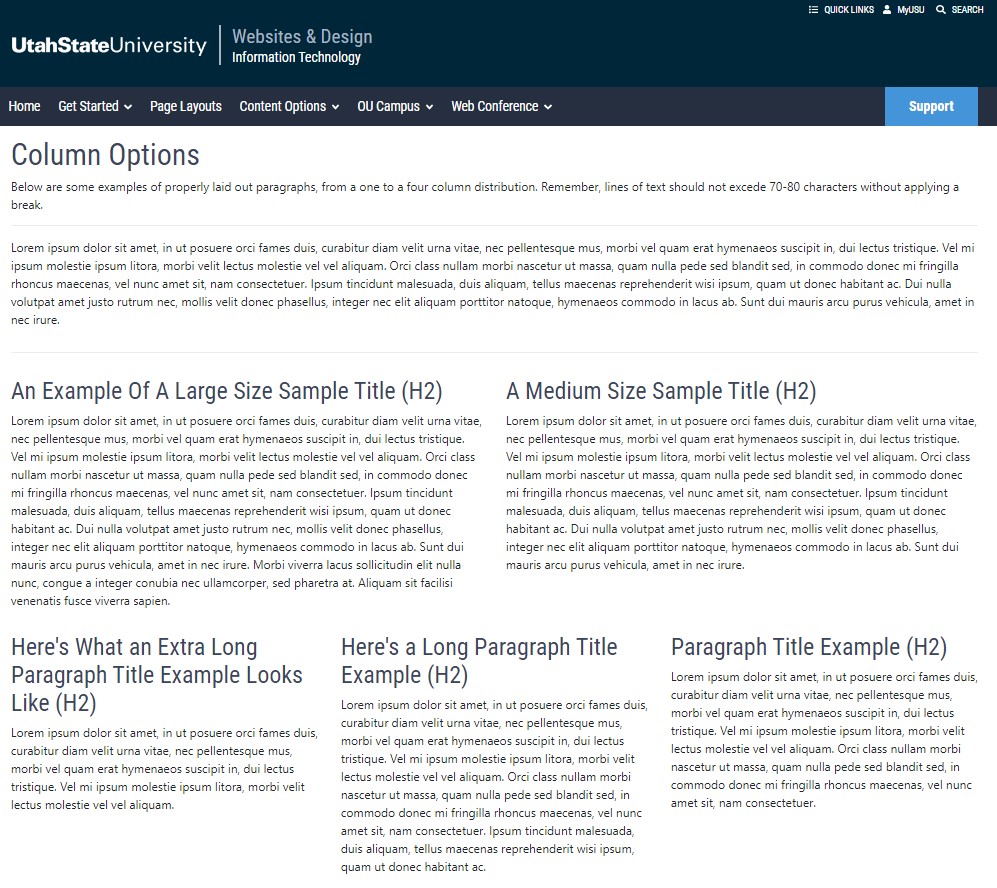
See examples of different column layouts for Utah State University websites.
Column Options | IT Web
See examples of different column layouts for Utah State University websites.
client-pages
IT Web
BS4
Documentation
Live
See examples of column layouts, from a one column to a four column distribution
Column Options | IT Web
See examples of column layouts, from a one column to a four column distribution
Live
IT Web
client-pages
BS4
Learn how to use components at USU via Omni CMS. We have over 15 components available for quick and beautiful webpages.
Components | IT Web
Learn how to use components at USU via Omni CMS. We have over 15 components available for quick and beautiful webpages.
BS4
client-pages
Live
IT Web
Documentation
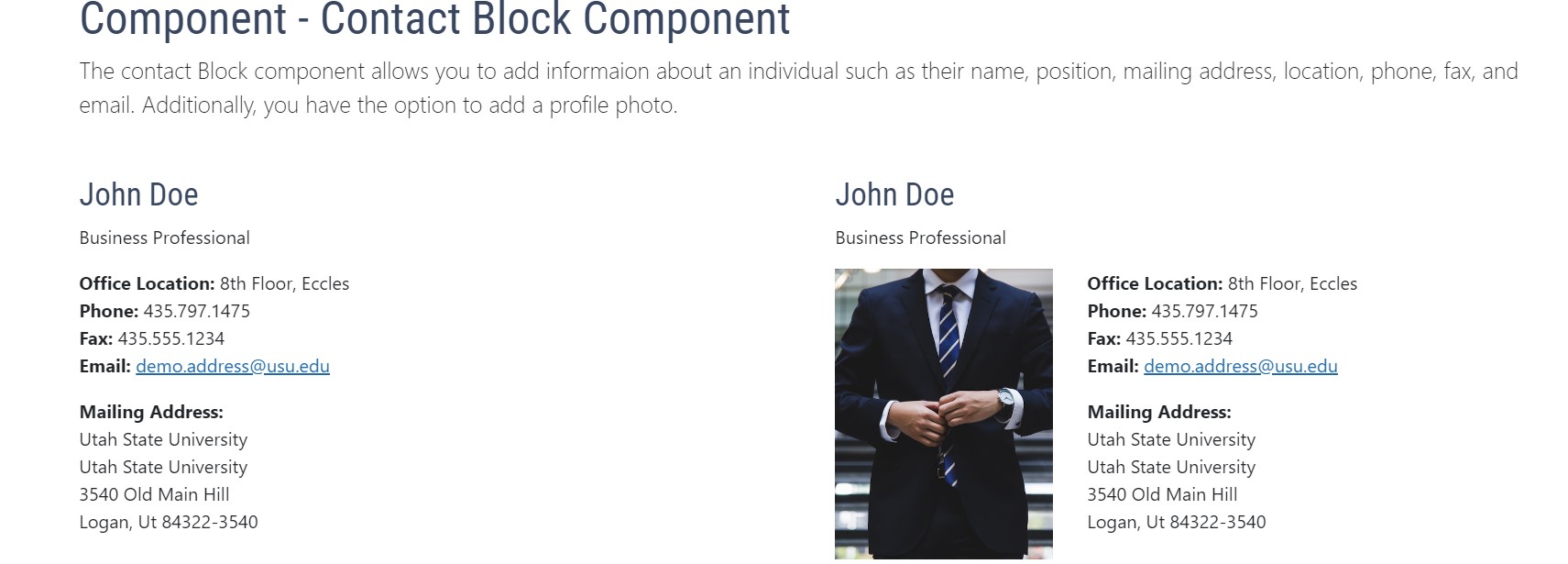
This page describes and illustrates the contact block component for USU webpages.
Contact Block Component | IT Web
This page describes and illustrates the contact block component for USU webpages.
Live
BS4
Documentation
client-pages
IT Web
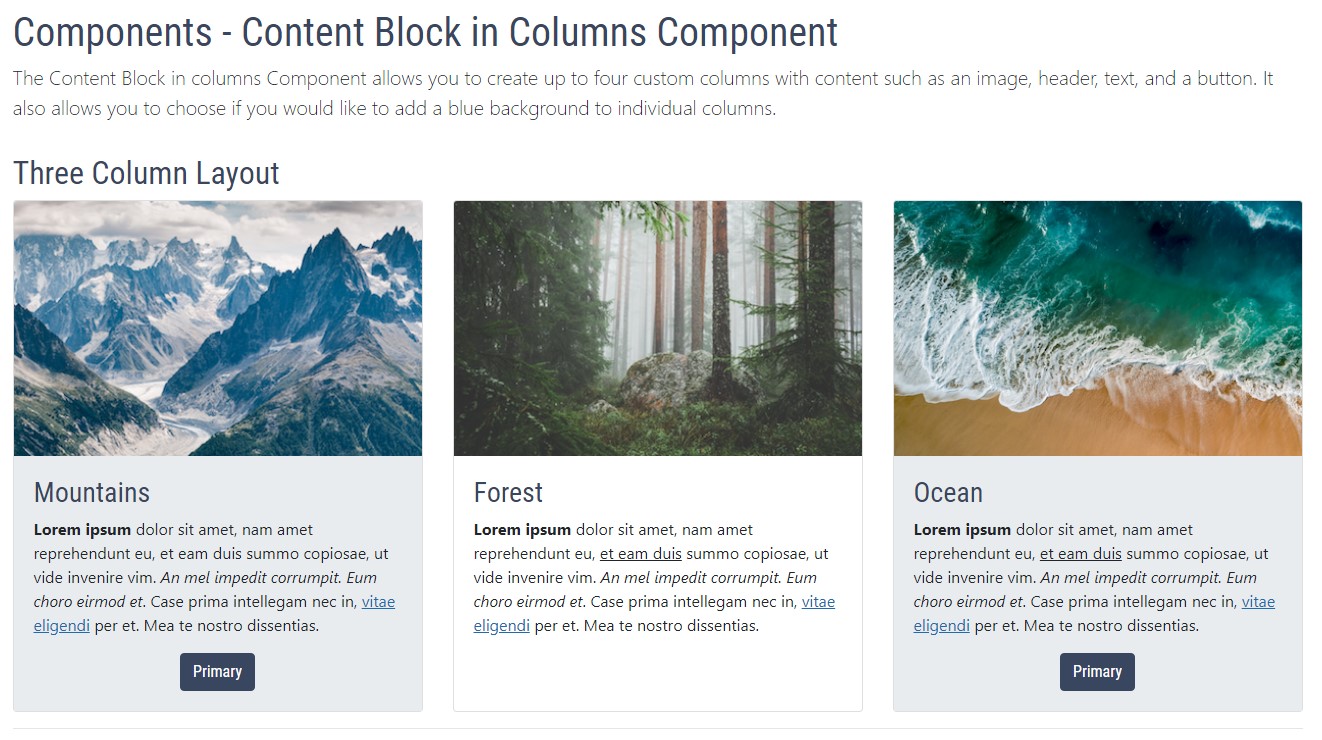
This page is for documentation about a content block in a columns component
Content Block in Columns | IT Web
This page is for documentation about a content block in a columns component
Directory
IT Web
BS4
Documentation
client-pages
Live
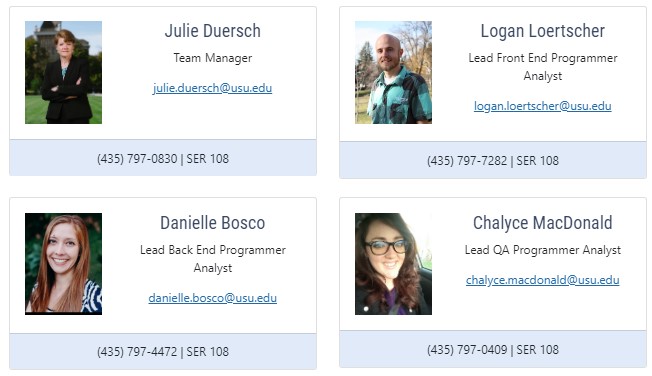
This page explains the Content Promoter (CP) for directory pages. CP for Directory allows users to pull a feed of directory members, with various styling options available.
Content Promoter Feed for Directory
This page explains the Content Promoter (CP) for directory pages. CP for Directory allows users to pull a feed of directory members, with various styling options available.
BS4
IT Web
client-pages
Live
A comprehensive list of dashboard gadgets available to all users and what they do.
Dashboard Gadgets | Information Technology
A comprehensive list of dashboard gadgets available to all users and what they do.
client-pages
Documentation
Live
IT Web
BS4
This is an example to use to display assessment information on a USU webpage.
Example Assessment Page
This is an example to use to display assessment information on a USU webpage.
BS4
IT Web
Live
client-pages
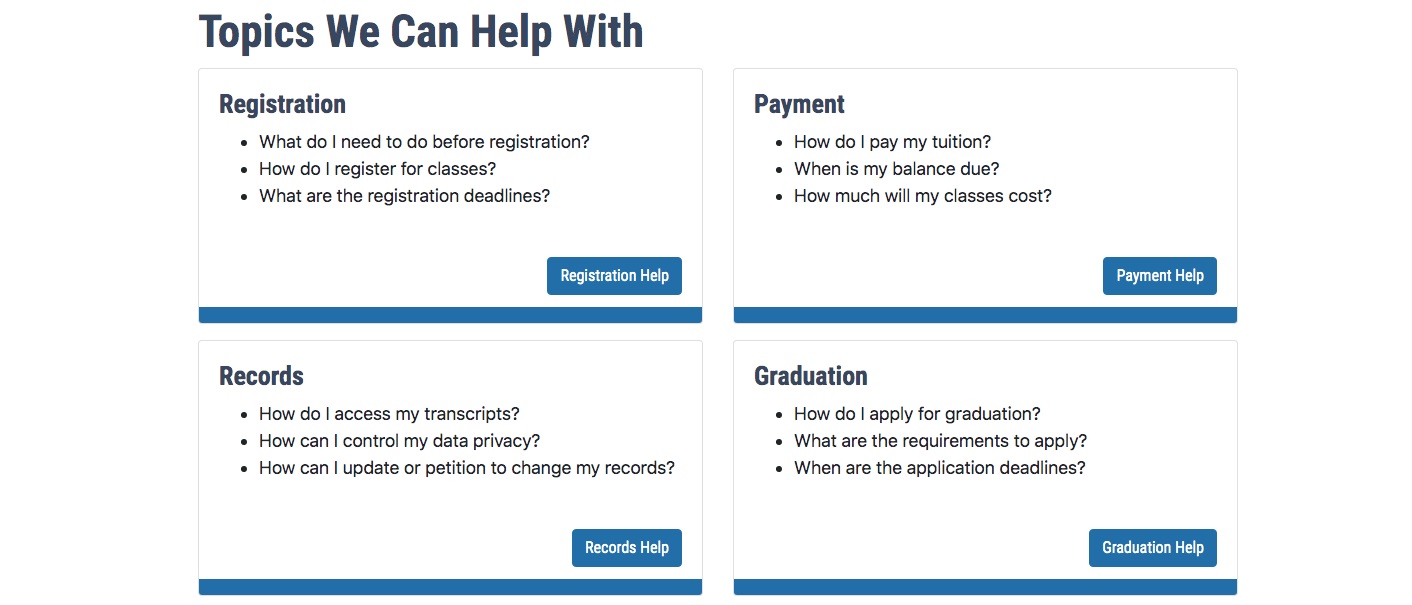
Frequently asked questions about Omni CMS, the content management system for USU websites.
FAQ | IT Web
Frequently asked questions about Omni CMS, the content management system for USU websites.
IT Web
BS4
client-pages
Documentation
Live
Learn more about Faculty Success (formerly Digital Measures) and what information can be put into your site from Faculty Success.
Faculty Success Details | IT Web
Learn more about Faculty Success (formerly Digital Measures) and what information can be put into your site from Faculty Success.
IT Web
BS4
Documentation
Live
client-pages
Learn how to integrate Faculty Success into your site to make it easier to display information about faculty.
Faculty Success Integration | IT Web
Learn how to integrate Faculty Success into your site to make it easier to display information about faculty.
Live
IT Web
client-pages
Documentation
BS4
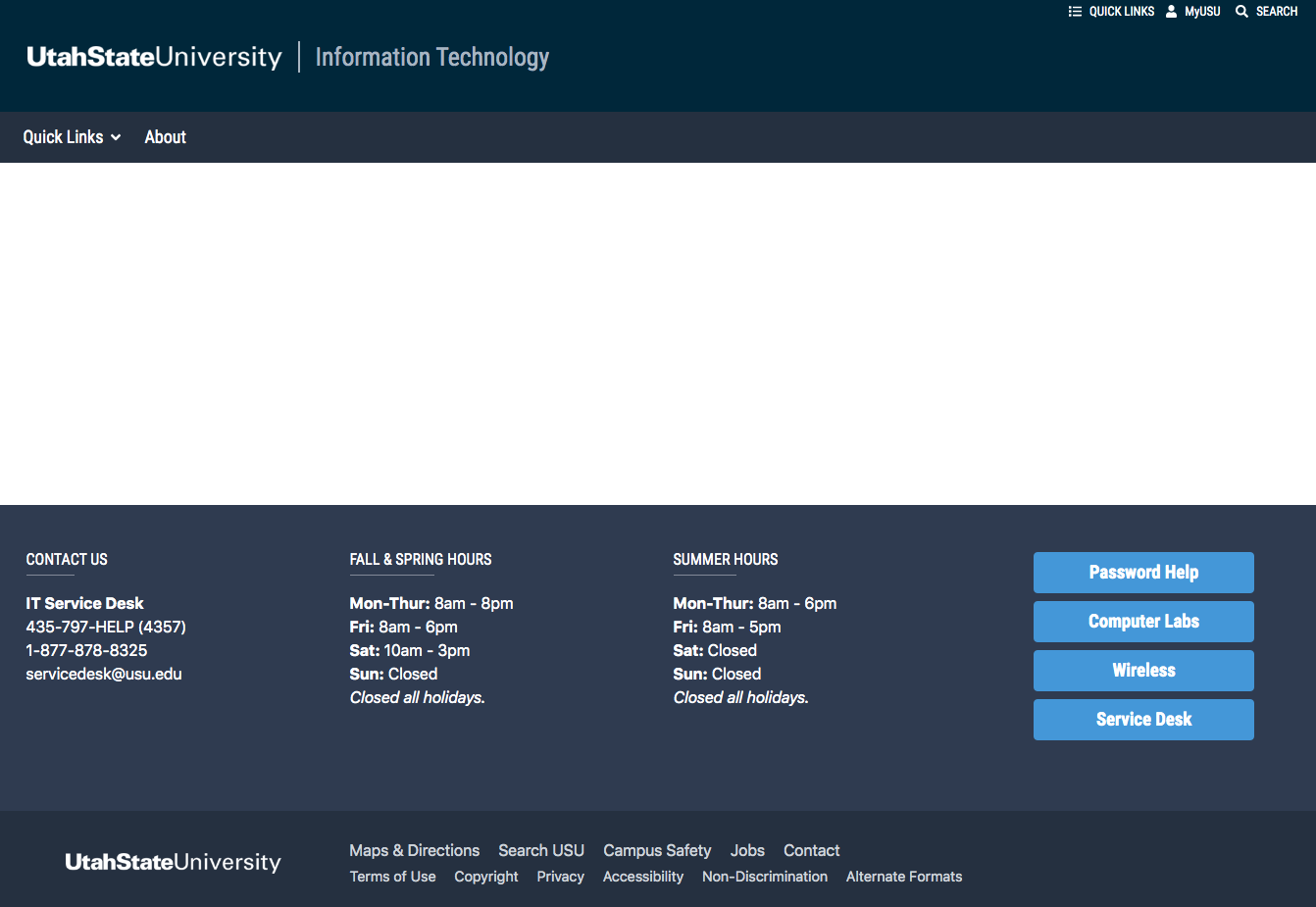
Learn about the fat footer and what content can be displayed there and how to display it
Fat Footer | IT Web
Learn about the fat footer and what content can be displayed there and how to display it
client-pages
IT Web
BS4
Live
Once a signed web support agreement is in place, there are key next steps that will be taken.
First Steps for a Full Web Support Agreement
Once a signed web support agreement is in place, there are key next steps that will be taken.
BS4
Live
IT Web
client-pages
Documentation
Use of Font Awesome icons within Omni CMS and in compliance with accessibility and usability best practices.
Font Awesome Icons | IT Web
Use of Font Awesome icons within Omni CMS and in compliance with accessibility and usability best practices.
IT Web
client-pages
Documentation
BS4
Live
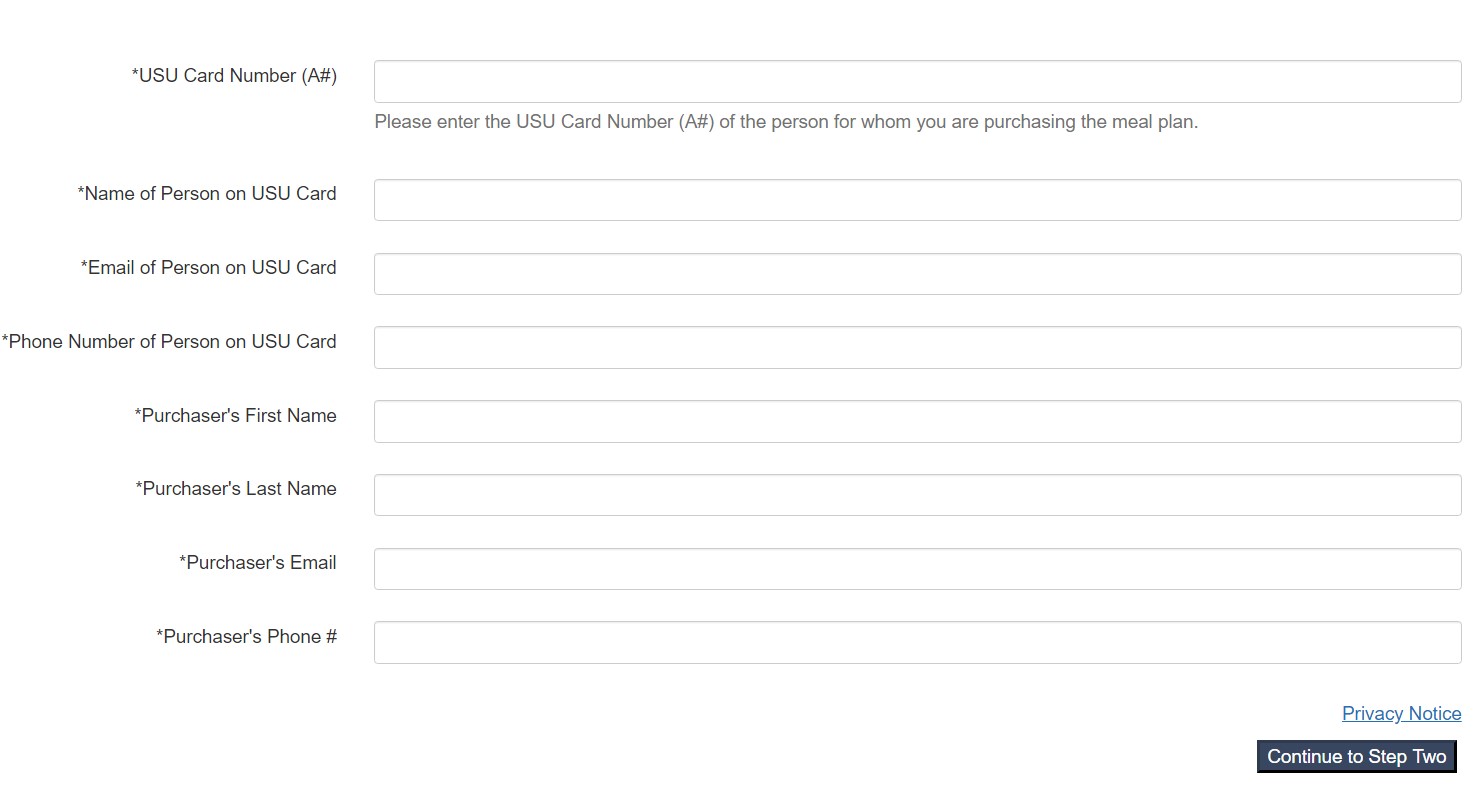
It's recommended to use forms within their own space or section, free of surrounding content on either side. Make sure to choose short but accurate field/item titles to maximize readability.
Forms | IT Web
It's recommended to use forms within their own space or section, free of surrounding content on either side. Make sure to choose short but accurate field/item titles to maximize readability.
Documentation
Live
IT Web
BS4
client-pages
Learn more about the different types of headers used for the new USU template
Header | IT Web
Learn more about the different types of headers used for the new USU template
client-pages
BS4
IT Web
Live
Learn how to expire a page in OU campus and how you can schedule an expiration for a page.
How to Expire a Webpage
Learn how to expire a page in OU campus and how you can schedule an expiration for a page.
Live
Documentation
BS4
client-pages
IT Web
You can add Font Awesome icons to your Omni CMS web pages using the Font Awesome Icon Component.
Icon Component | IT Web
You can add Font Awesome icons to your Omni CMS web pages using the Font Awesome Icon Component.
client-pages
IT Web
Documentation
BS4
Live
An example of an image banner with an overlay bar and button for USU websites
Image Banner with Overlay Bar | IT Web
An example of an image banner with an overlay bar and button for USU websites
Documentation
Live
BS4
IT Web
client-pages
An example of a banner with an image on a Utah State University website and how to add it
Image Banner | IT Web
An example of a banner with an image on a Utah State University website and how to add it
Live
client-docs
BS4
client-pages
Documentation
IT Web
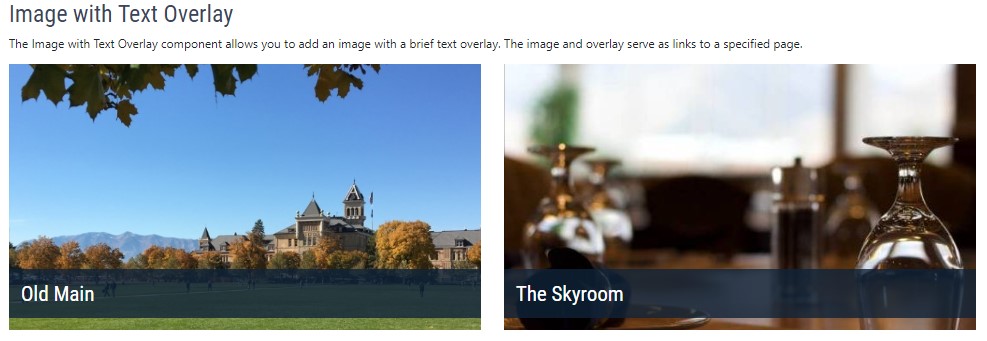
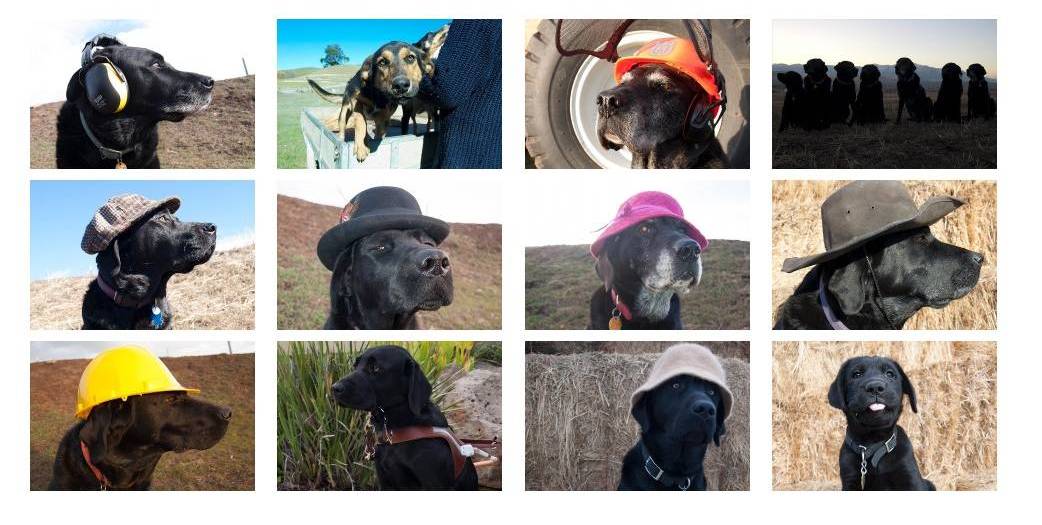
See examples of image components and learn how you can add them to your site
Image Components | IT Web
See examples of image components and learn how you can add them to your site
BS4
client-pages
IT Web
Documentation
Live
See an example of an in-page navigation on a Utah State University webpage.
In Page Navigation | IT Web
See an example of an in-page navigation on a Utah State University webpage.
client-pages
client-docs
Live
IT Web
Documentation
BS4
This page has information and examples for the info block component for USU websites.
Info Block Component
This page has information and examples for the info block component for USU websites.
Live
Documentation
BS4
IT Web
client-pages
Inline alerts allow users to easily find important notices or information in a non-jarring yet meaningful way.
Inline Alerts
Inline alerts allow users to easily find important notices or information in a non-jarring yet meaningful way.
BS4
IT Web
Live
client-pages
Gadgets are small but powerful programs in Omni CMS that provide additional functionality to improve your experience using Omni CMS.
Intro to Gadgets | Information Technology
Gadgets are small but powerful programs in Omni CMS that provide additional functionality to improve your experience using Omni CMS.
IT Web
BS4
Documentation
client-pages
Live
client-docs
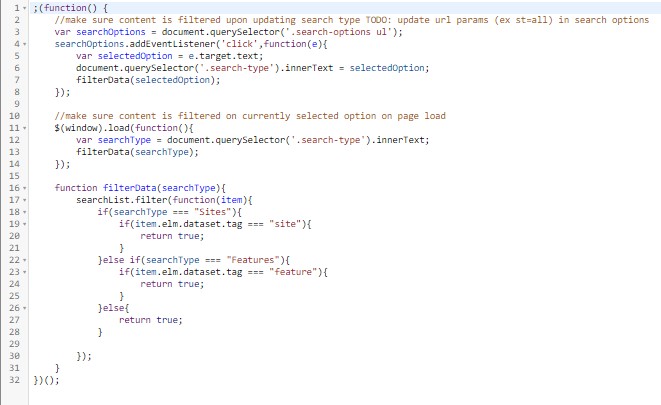
This page shows documentation for the javascript insert component on USU websites
JavaScript Insert Component
This page shows documentation for the javascript insert component on USU websites
BS4
client-pages
Live
IT Web
Documentation
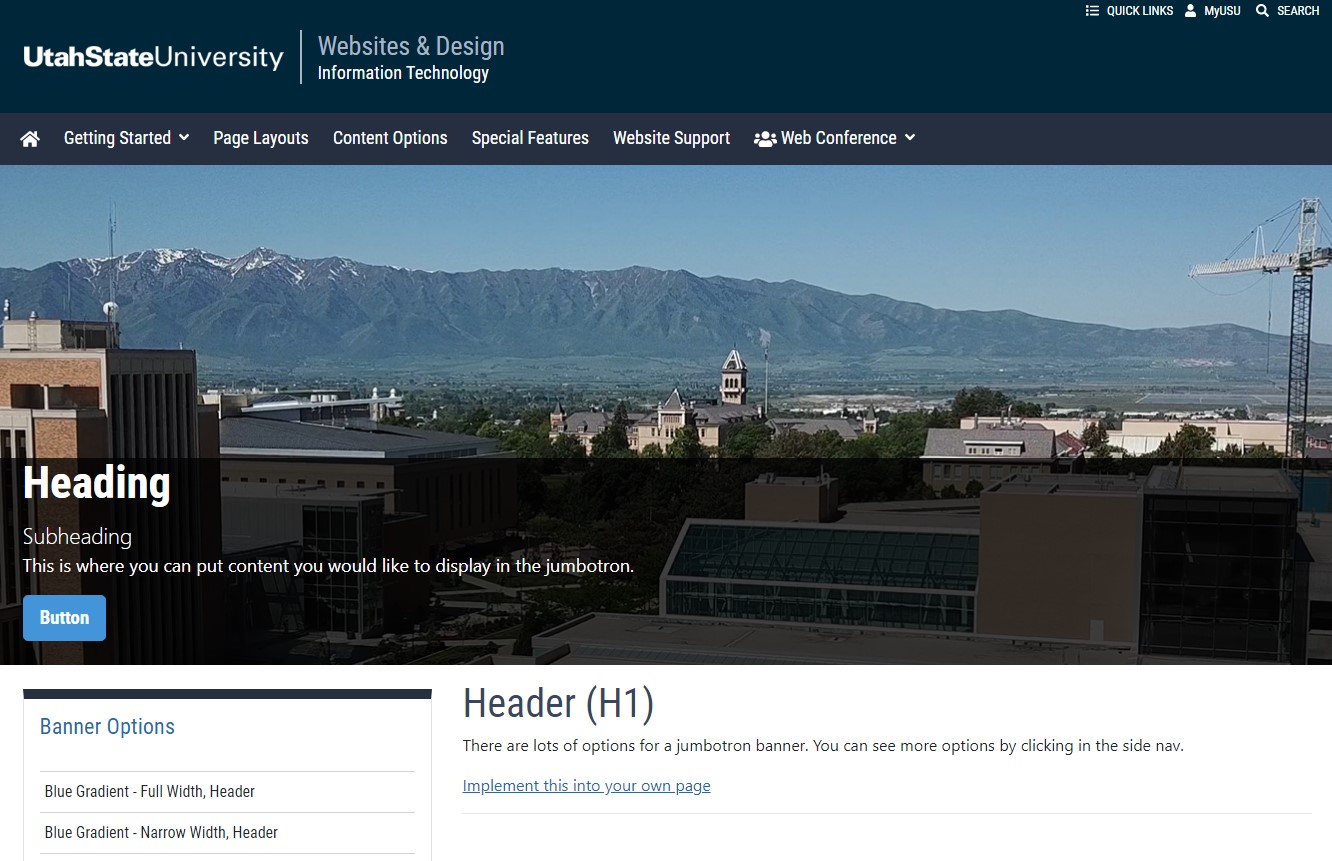
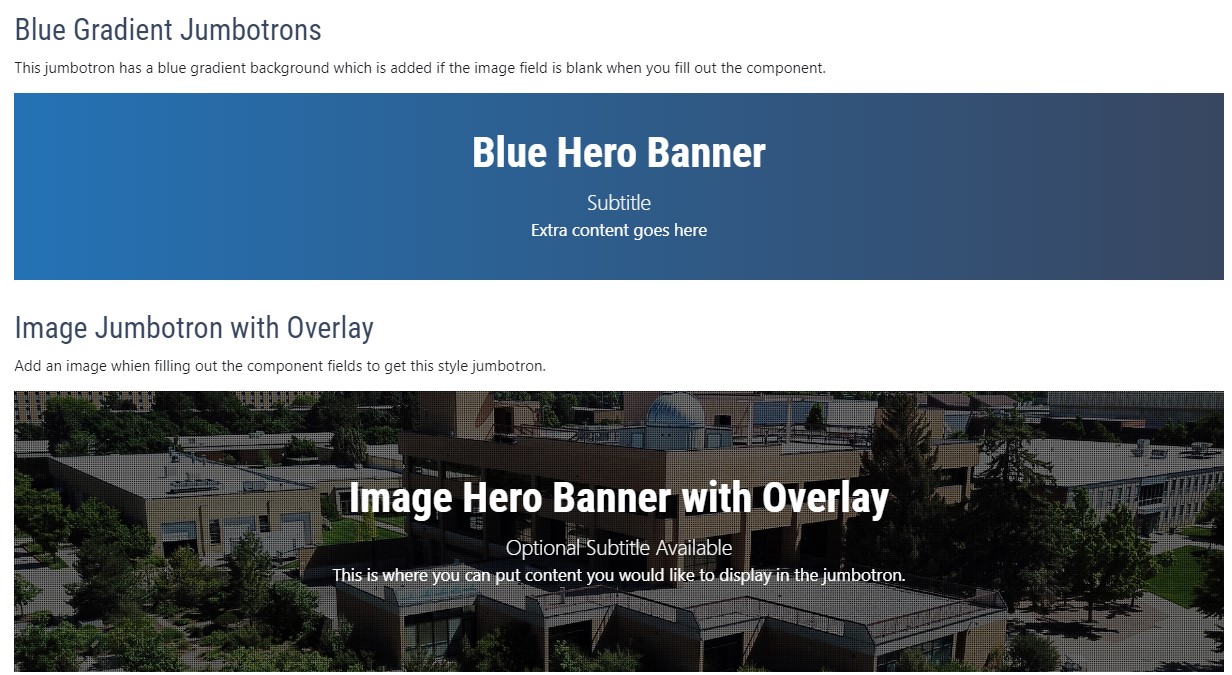
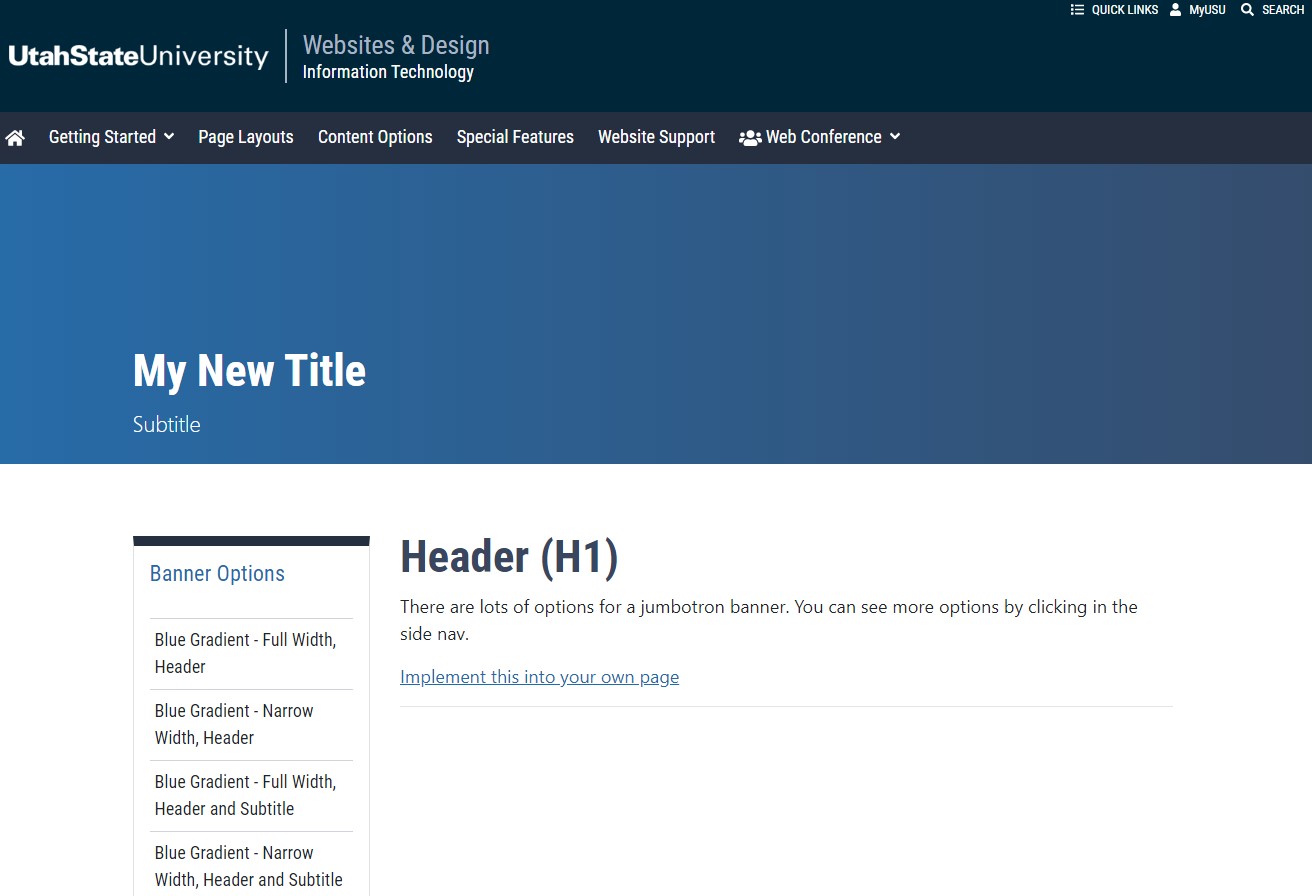
See example of jumbotrons on a page and learn how to add it to your own page!
Jumbotron Component
See example of jumbotrons on a page and learn how to add it to your own page!
IT Web
BS4
Live
News
client-pages
Helpful keyboard shortcuts to make certain tasks easier while you edit Omni CMS pages.
Keyboard Shortcuts
Helpful keyboard shortcuts to make certain tasks easier while you edit Omni CMS pages.
client-pages
Live
IT Web
Documentation
BS4
See an example of a lightbox image gallery and how to implement it into your own page
Lightbox Image Gallery | IT Web
See an example of a lightbox image gallery and how to implement it into your own page
IT Web
client-pages
Live
Documentation
BS4
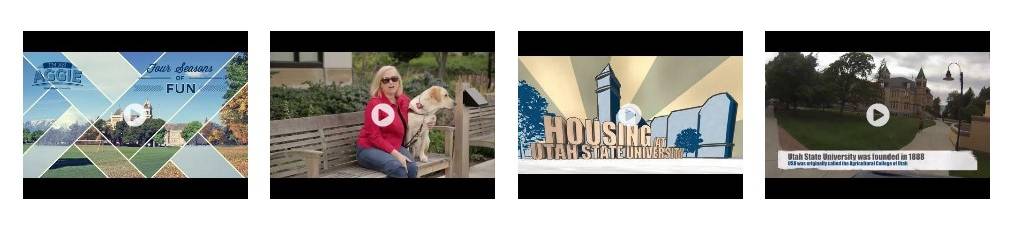
See an example of a lightbox video gallery and how to implement this gallery into your own page
Lightbox Video Gallery | IT Web
See an example of a lightbox video gallery and how to implement this gallery into your own page
BS4
Documentation
client-pages
IT Web
Live
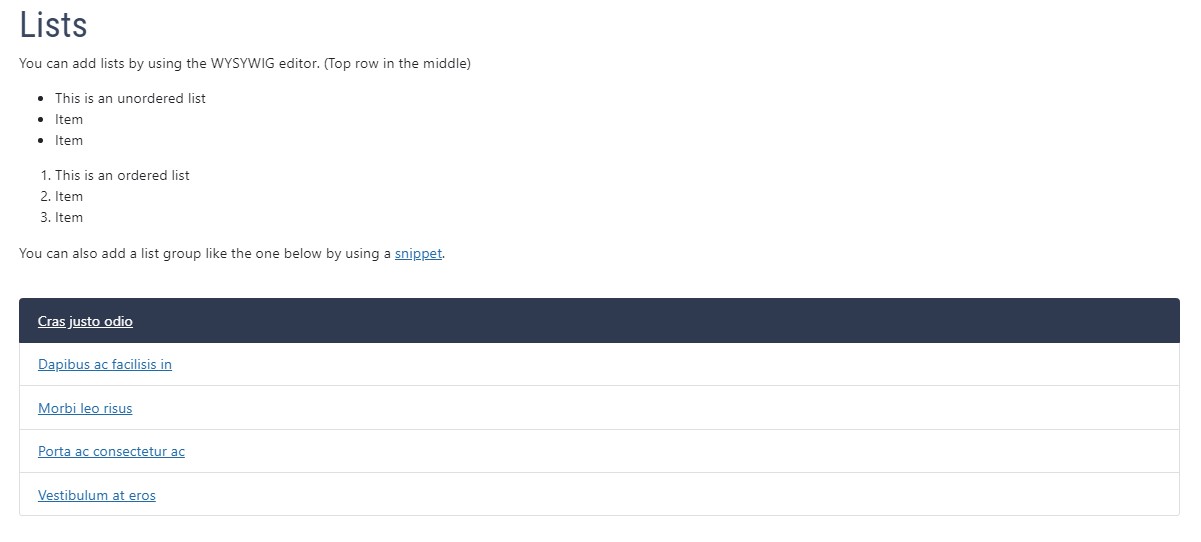
See examples of both unordered and ordered lists and see how you can add them to your site
Lists | IT Web
See examples of both unordered and ordered lists and see how you can add them to your site
client-pages
Documentation
Live
IT Web
BS4
Example of narrow blue hero banner with subtitle and instructions for how to add it
Narrow Banner with Subtitle | IT Web
Example of narrow blue hero banner with subtitle and instructions for how to add it
Documentation
Live
BS4
client-pages
IT Web
Example of a Narrow Centered Blue Hero Banner and instructions for implementation
Narrow Banner | IT Web
Example of a Narrow Centered Blue Hero Banner and instructions for implementation
client-pages
IT Web
Documentation
BS4
Live
Examples of navigation card options and how to implement them on USU websites
Navigation Card | IT Web
Examples of navigation card options and how to implement them on USU websites
BS4
IT Web
Documentation
client-pages
Live
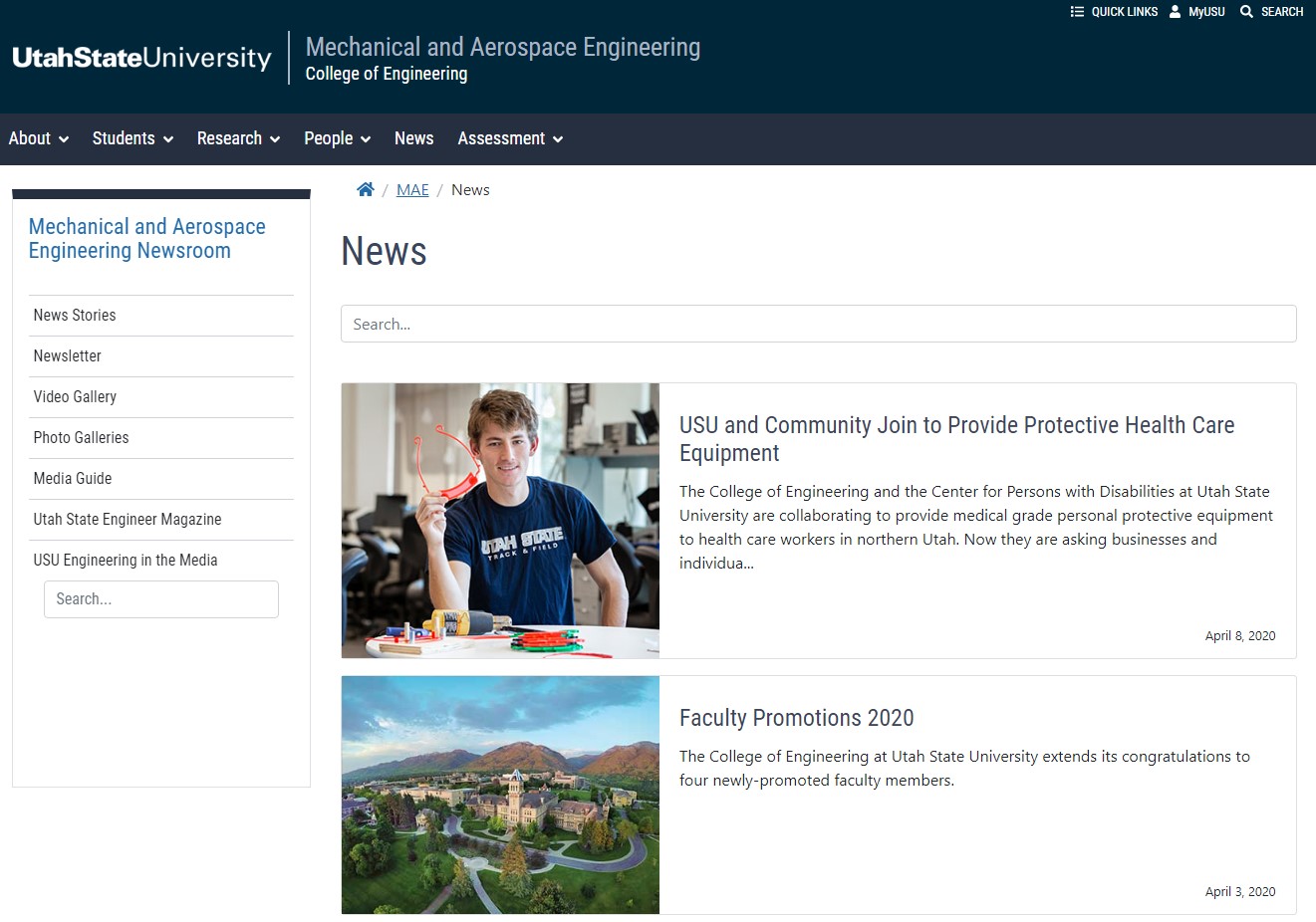
An example of a news feed page with search bar for Utah State University sites
News Feed | IT Web
An example of a news feed page with search bar for Utah State University sites
client-pages
IT Web
Documentation
Live
BS4
Offset Column
IT Web
client-pages
Live
BS4
View the latest code changes and updates we've made to the Omni CMS platform at USU
Omni CMS Updates/Bug Fixes
View the latest code changes and updates we've made to the Omni CMS platform at USU
Documentation
BS4
IT Web
client-docs
client-pages
Live
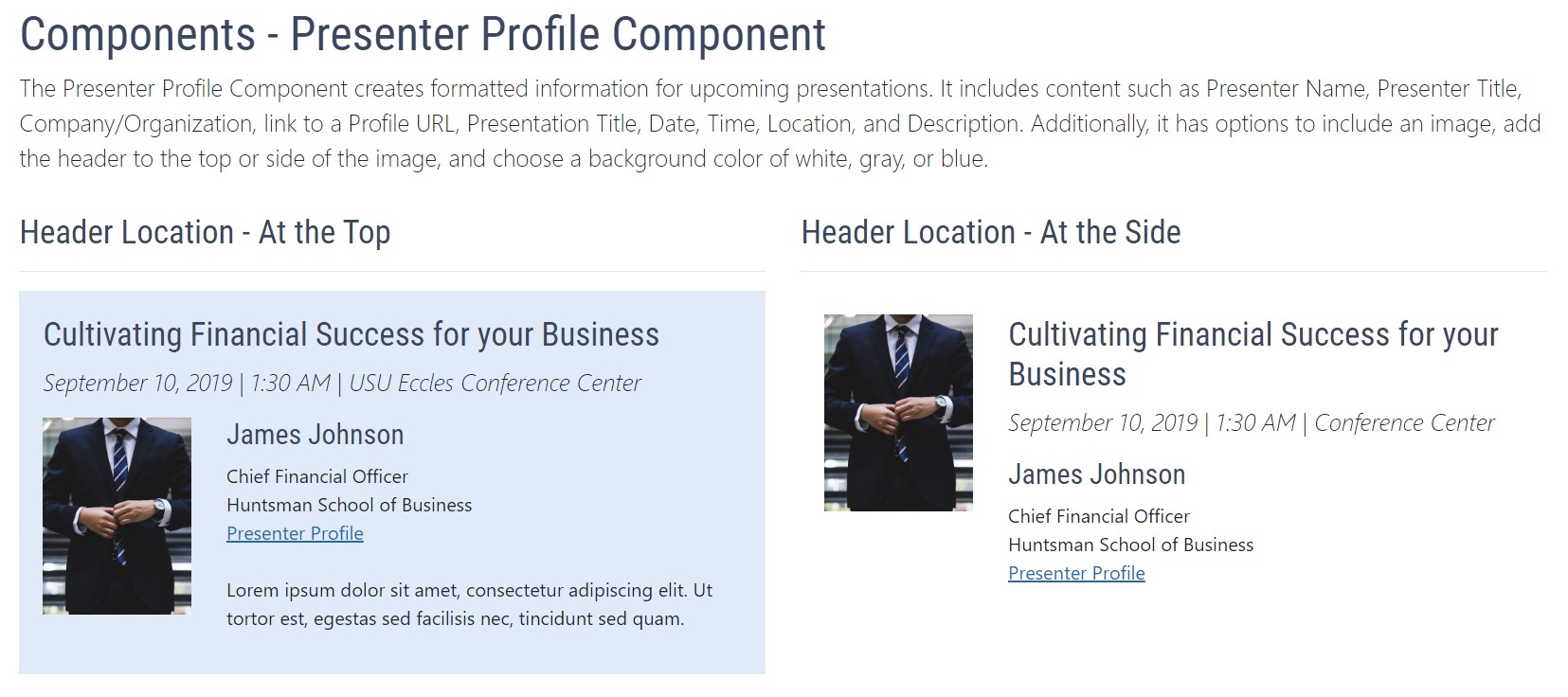
This page is to document and show examples for the presenter profile component.
Presenter Profile Component | IT Web
This page is to document and show examples for the presenter profile component.
IT Web
BS4
client-pages
Documentation
Live
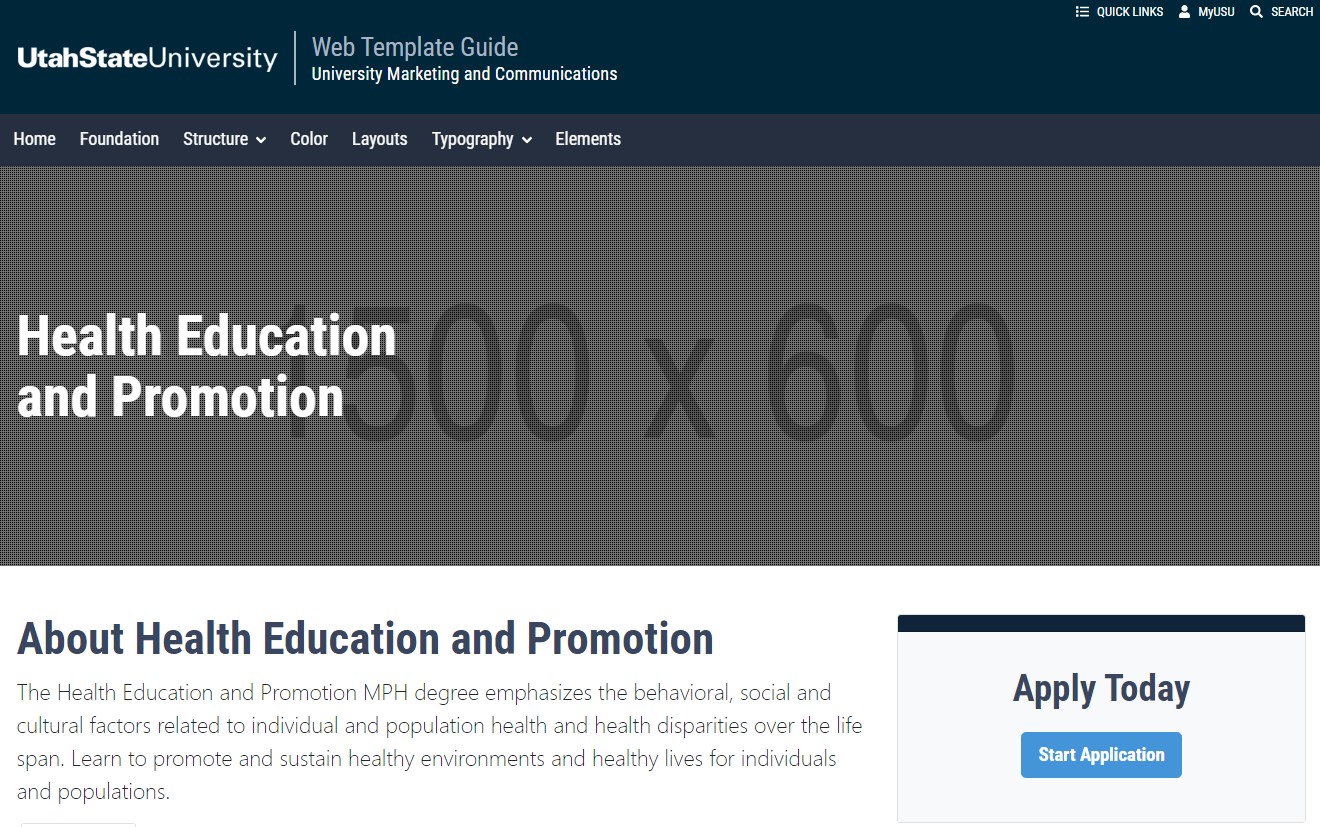
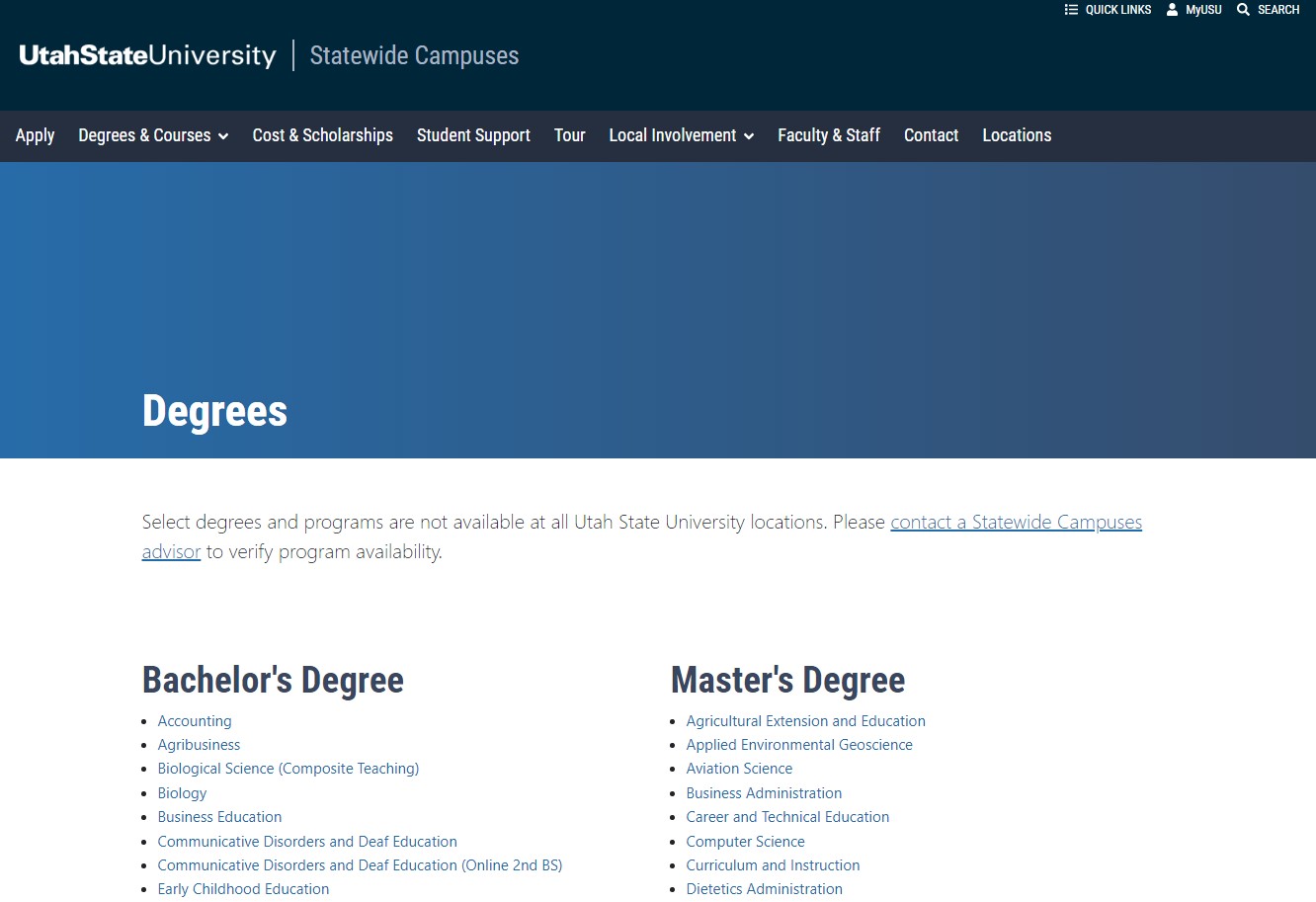
An example of a program page for one of Utah State University's departments and colleges.
Program Page Example
An example of a program page for one of Utah State University's departments and colleges.
IT Web
BS4
Live
client-pages
USU Omni CMS webpages provide content editors with quality control messages as a reminder and support for including key pieces in USU webpages that improve search engine optimization, accessibility, usability and performance.
Quality Control Messages
USU Omni CMS webpages provide content editors with quality control messages as a reminder and support for including key pieces in USU webpages that improve search engine optimization, accessibility, usability and performance.
Live
BS4
client-pages
Documentation
IT Web
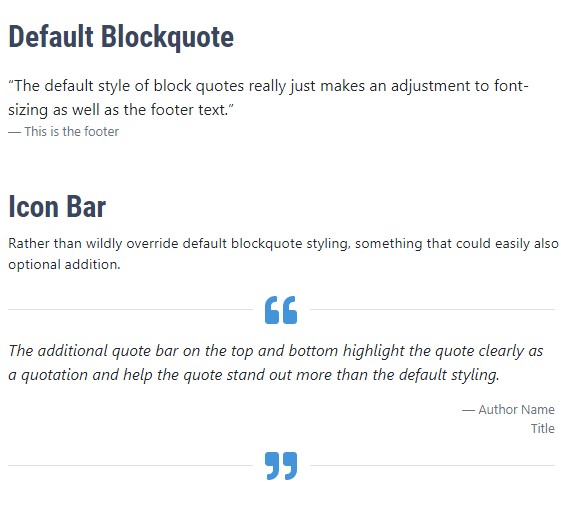
Learn how to add a blockquote component which includes an icon bar to a USU website
Quote Blocks | IT Web
Learn how to add a blockquote component which includes an icon bar to a USU website
client-pages
Live
IT Web
BS4
Custom reports are CSV (excel) files that can be generated given some requirements. Due to the nature of Omni CMS some reports generated by gadgets are only available via request.
Request a Custom Report | IT Web
Custom reports are CSV (excel) files that can be generated given some requirements. Due to the nature of Omni CMS some reports generated by gadgets are only available via request.
client-pages
Live
Documentation
IT Web
BS4
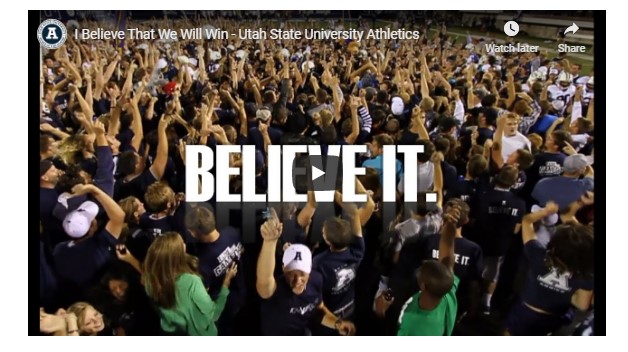
Learn how to add a responsive youtube video embed to a Utah State University website.
Responsive Youtube Embed | IT Web
Learn how to add a responsive youtube video embed to a Utah State University website.
client-pages
IT Web
Live
Documentation
BS4
An example of a Short Blue Hero Banner and instructions for implementation.
Short Blue Hero Banner | IT Web
An example of a Short Blue Hero Banner and instructions for implementation.
BS4
News
IT Web
client-pages
Live
Learn more about using the helpful Showblocks tool on the Omni CMS edit bar.
Showblocks
Learn more about using the helpful Showblocks tool on the Omni CMS edit bar.
BS4
IT Web
Documentation
client-pages
Live
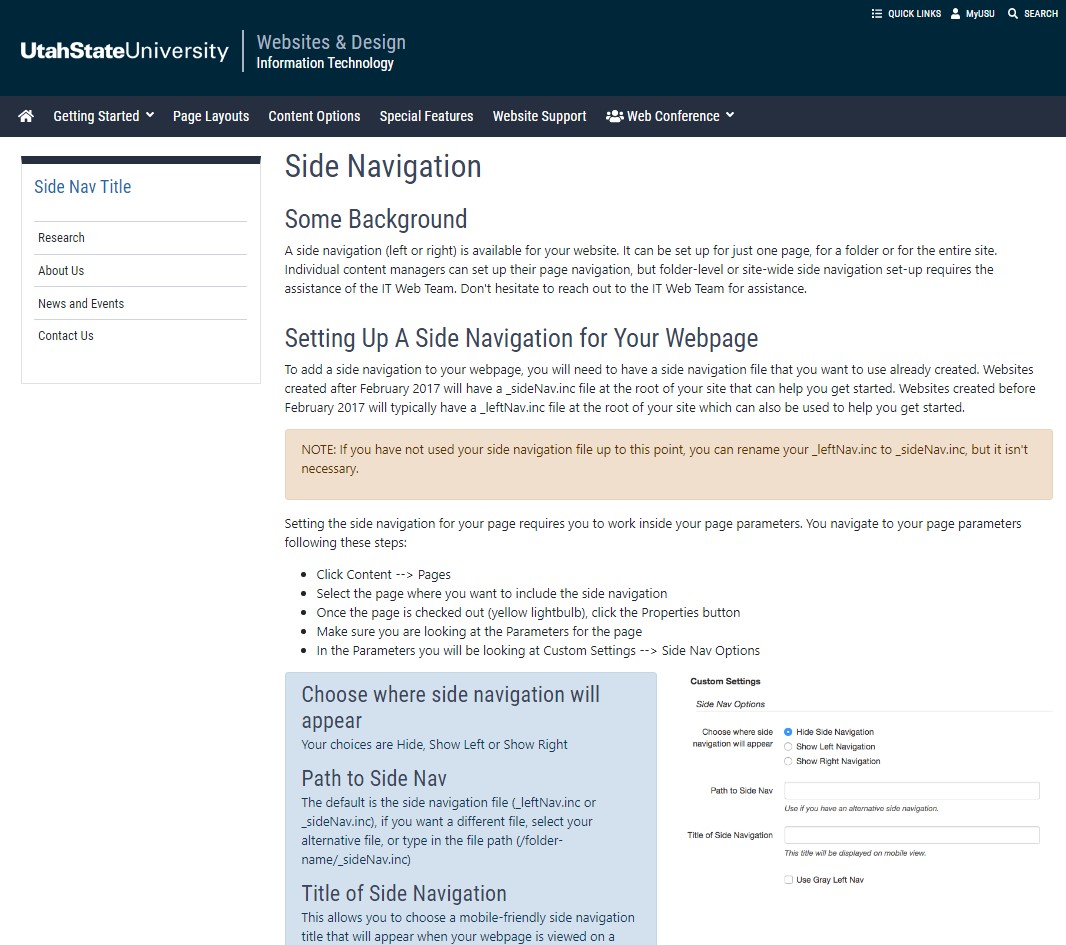
Learn about how and when to set up your webpage to have a side navigation.
Side Navigation | IT Web
Learn about how and when to set up your webpage to have a side navigation.
BS4
client-pages
Live
IT Web
A comprehensive list of sidebar gadgets available to all users and what they do.
Sidebar Gadgets | Information Technology
A comprehensive list of sidebar gadgets available to all users and what they do.
BS4
Live
IT Web
Documentation
client-pages
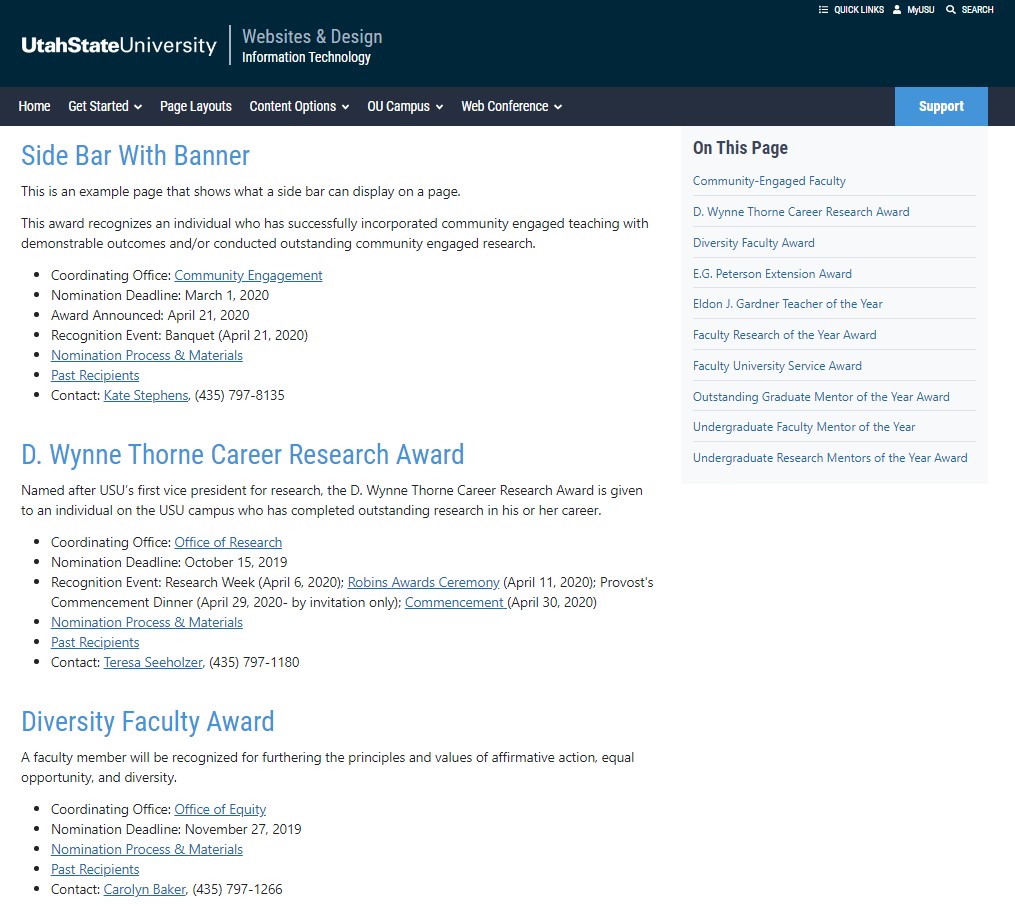
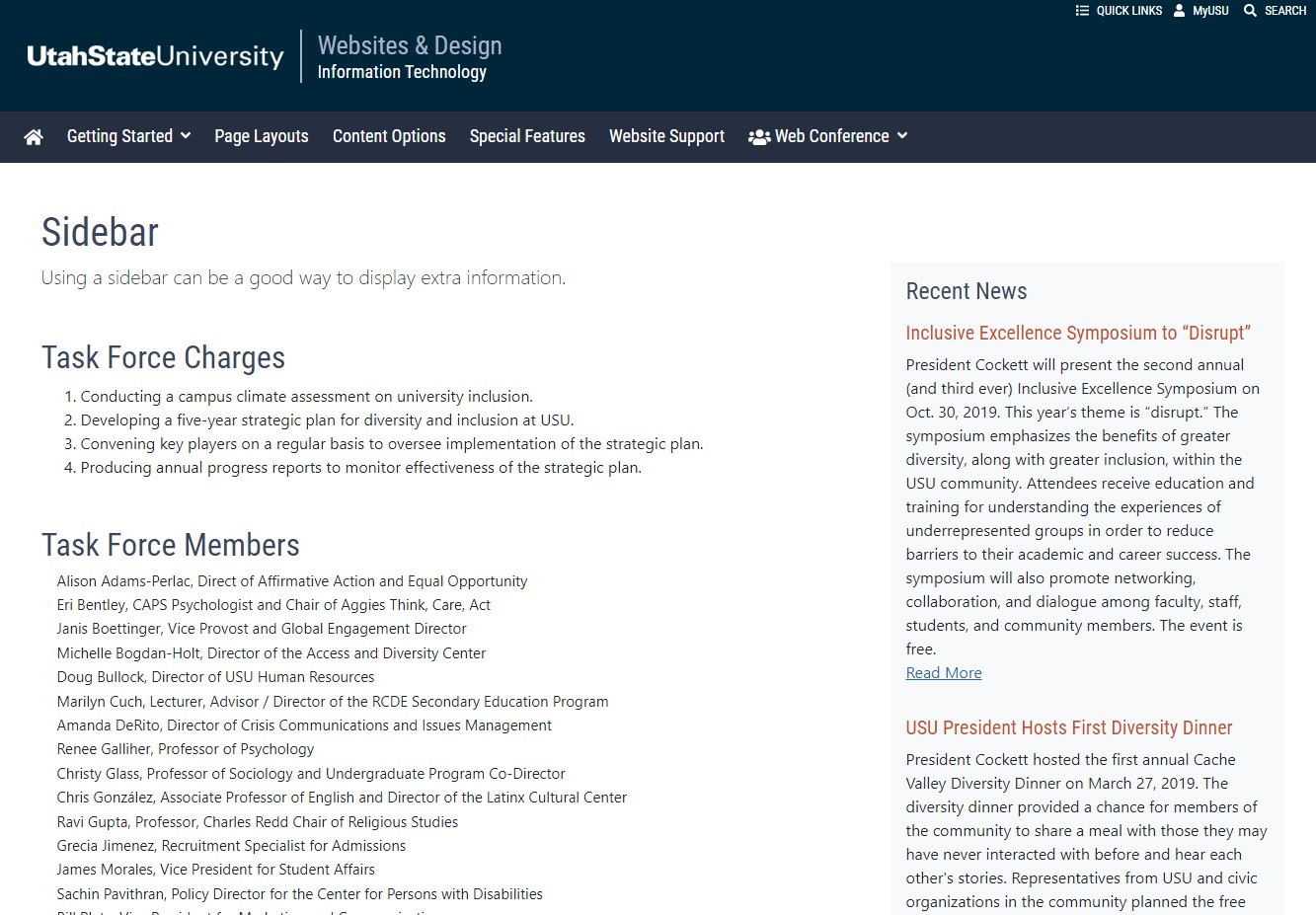
An example of a sidebar with some information on a Utah State University page
Sidebar | IT Web
An example of a sidebar with some information on a Utah State University page
Documentation
client-pages
Live
IT Web
BS4
Learn what the main content field is and how to add content to the main content region.
Site Main Content | IT Web
Learn what the main content field is and how to add content to the main content region.
client-pages
BS4
Documentation
Live
IT Web
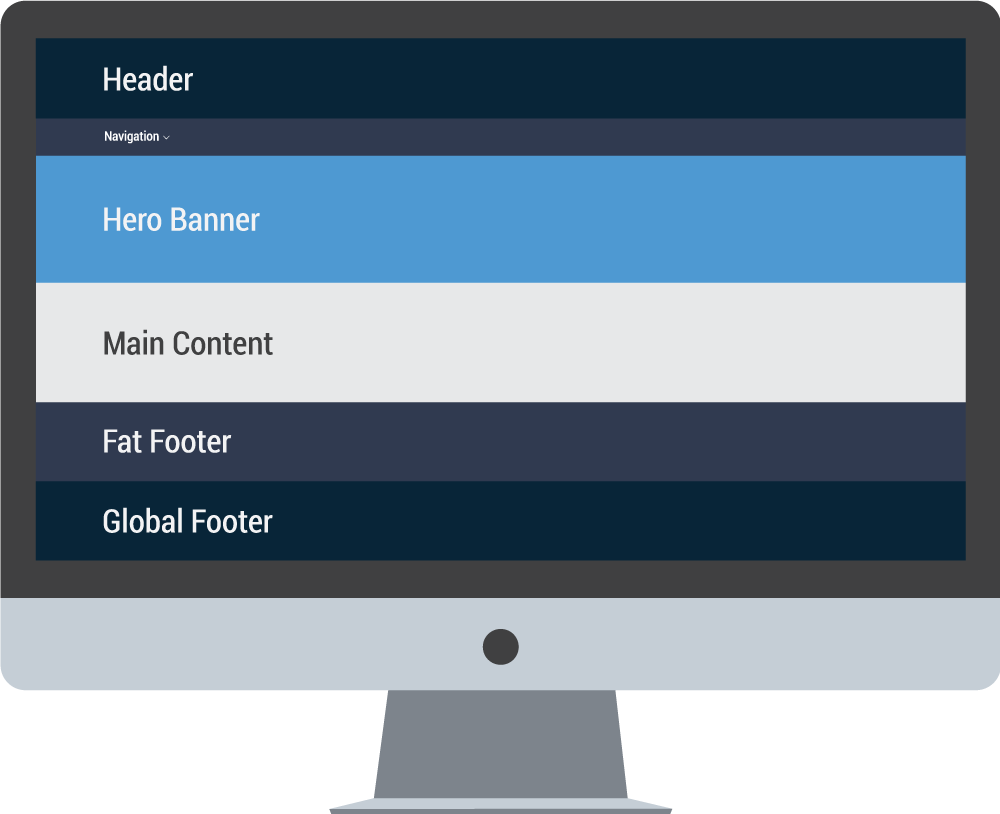
Understand the structure of a USU site. Elements such as top navigation, content and footer.
Site Structure | IT Web
Understand the structure of a USU site. Elements such as top navigation, content and footer.
IT Web
Live
client-pages
BS4
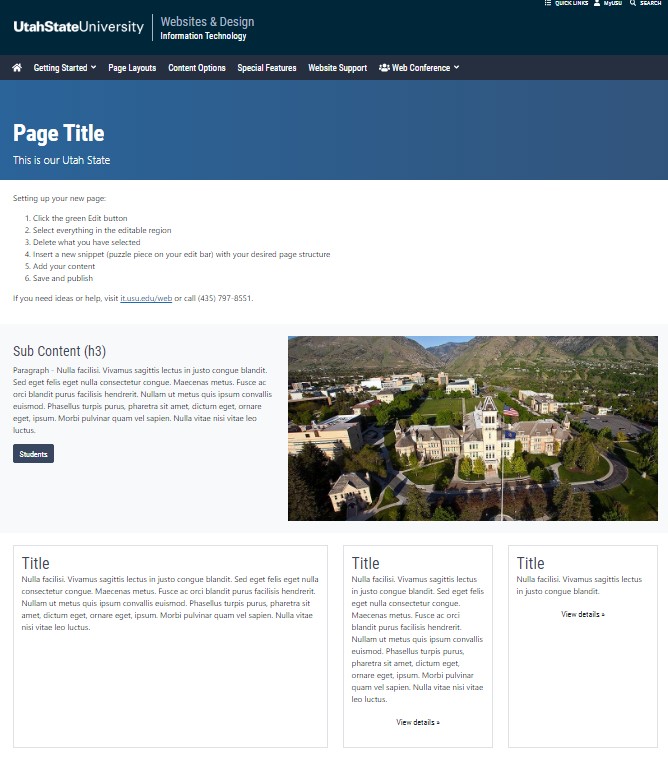
Snippets have been created to easily add page layouts and other content into your webpage. Learn how to add snippets into your page.
Snippets Documentation | IT Web
Snippets have been created to easily add page layouts and other content into your webpage. Learn how to add snippets into your page.
Documentation
IT Web
BS4
client-pages
Live
Information on how and when to use the Step Guide component on a USU website
Step Guide | IT Web
Information on how and when to use the Step Guide component on a USU website
client-pages
IT Web
Documentation
Live
BS4
USU has a license to download stock images for our websites from Adobe Stock. USU also provides a library of stock images through University Marketing & Communication's Photoshelter account.
Stock Images | IT Web
USU has a license to download stock images for our websites from Adobe Stock. USU also provides a library of stock images through University Marketing & Communication's Photoshelter account.
IT Web
Documentation
Live
BS4
client-pages
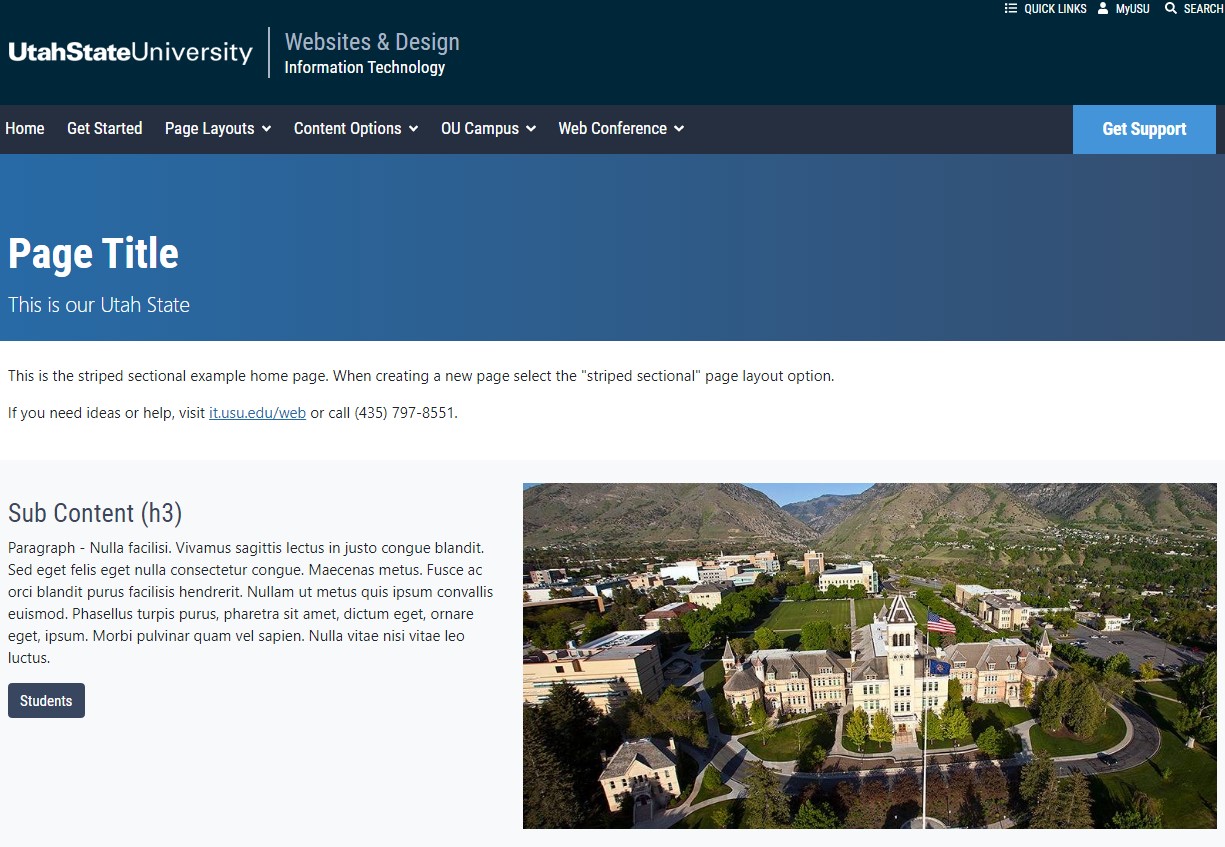
An example of the striped sectional homepage for a Utah State University webpage.
Striped Sectional Homepage | IT Web
An example of the striped sectional homepage for a Utah State University webpage.
BS4
Live
client-pages
IT Web
Structured data, based on schema.org syntax, is available for news articles and directory pages.
Structured Data | IT Web
Structured data, based on schema.org syntax, is available for news articles and directory pages.
Sortable Table
Documentation
IT Web
BS4
client-pages
Live
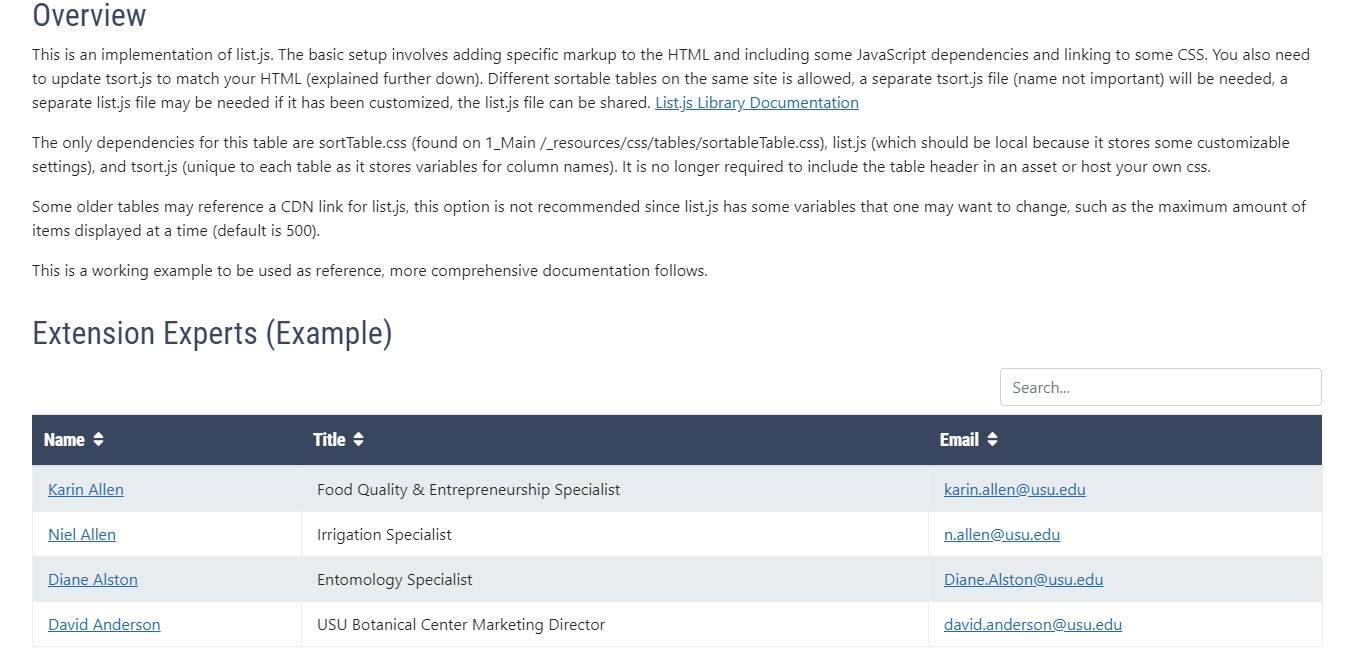
See examples and learn how to create tables to display information on your page.
Tables | IT Web
See examples and learn how to create tables to display information on your page.
IT Web
Live
client-pages
BS4
Tier 1 Support Resource Packet
client-docs
Live
BS4
IT Web
client-pages
To help Omni CMS content managers improve accessibility and their search engine optimization (SEO), tooltips and quality control check messages appear to remind about missing SEO and accessibility pieces.
Tooltips, Quality Control Check Messages | Web & Design
To help Omni CMS content managers improve accessibility and their search engine optimization (SEO), tooltips and quality control check messages appear to remind about missing SEO and accessibility pieces.
IT Web
Live
client-pages
Documentation
BS4
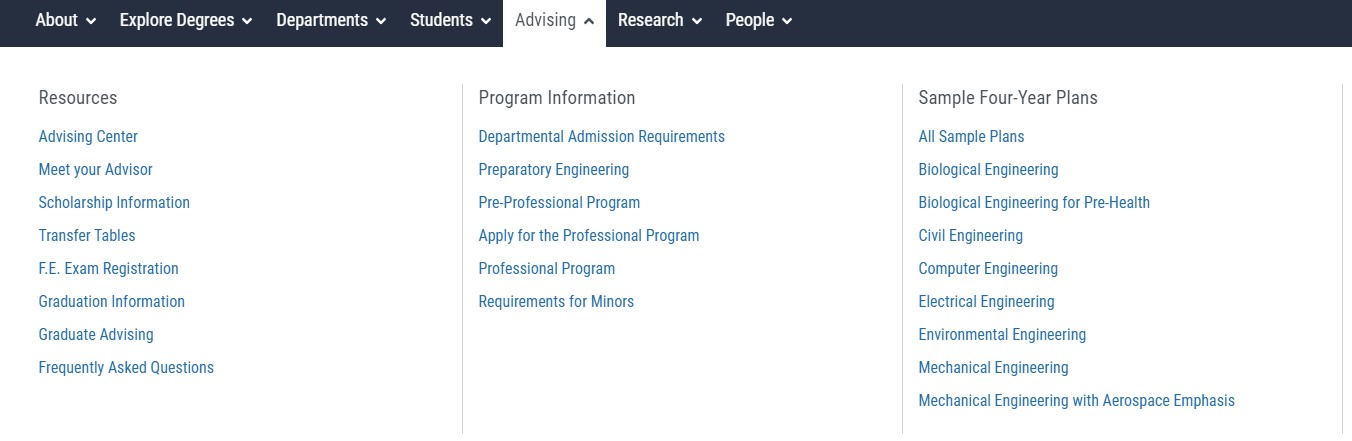
Learn what the top navigation is and how to edit it and the different styles and options
Top Navigation | IT Web
Learn what the top navigation is and how to edit it and the different styles and options
BS4
client-pages
Documentation
Live
IT Web
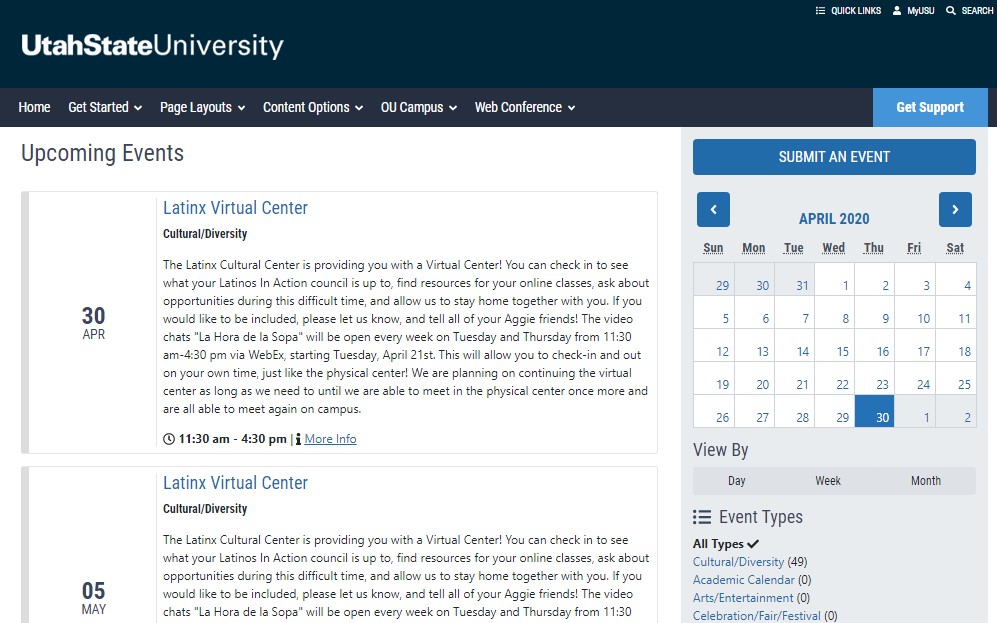
Examples of embed options for the USU calendar and how to implement them on USU websites
USU Calendar | IT Web
Examples of embed options for the USU calendar and how to implement them on USU websites
Documentation
IT Web
BS4
client-pages
Live
Examples of embed options for the USU calendar and how to implement them on USU websites
USU Calendar | IT Web
Examples of embed options for the USU calendar and how to implement them on USU websites
client-pages
Documentation
Live
BS4
IT Web
Examples of embed options for the USU calendar and how to implement them on USU websites
USU Calendar | IT Web
Examples of embed options for the USU calendar and how to implement them on USU websites
client-pages
IT Web
Live
BS4
UnitName Web Support
IT Web
Live
client-pages
BS4
Documentation
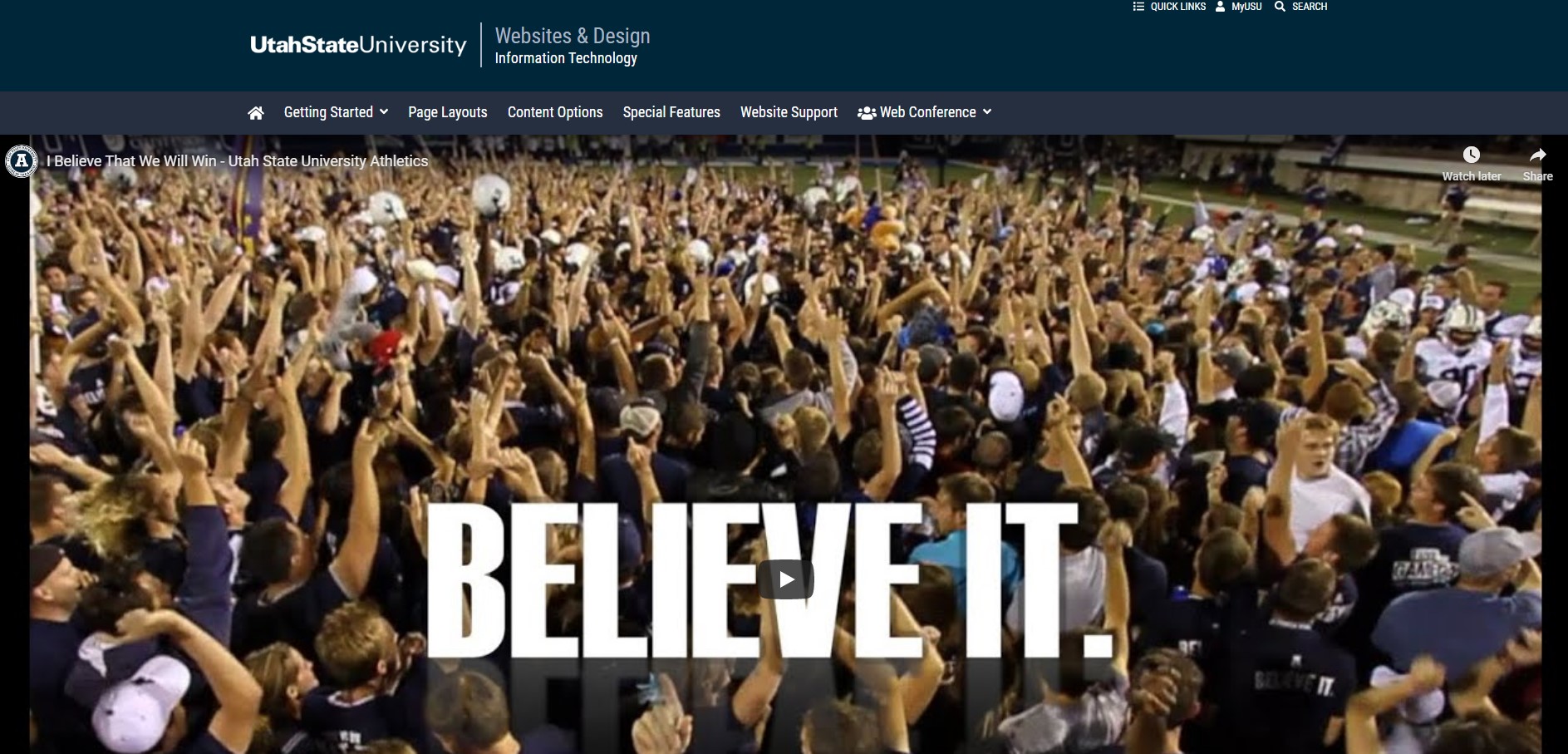
Example and instructions for how to get a video banner for a Utah State website
Video Banner | IT Web
Example and instructions for how to get a video banner for a Utah State website
IT Web
client-pages
Live
Documentation
BS4
This tutorial shows users how to properly create video captions and upload them to a YouTube video.
Video Captions | IT Web
This tutorial shows users how to properly create video captions and upload them to a YouTube video.
Live
client-pages
IT Web
BS4
Work With Us
BS4
client-pages
Live
IT Web
Thank you for submitting your request to the IT Web Team about the College of Veterinary Medicine website.
You are not Authorized to View this page | USU
Thank you for submitting your request to the IT Web Team about the College of Veterinary Medicine website.
IT Web
Live
client-pages
BS4
Documentation
An example of a Youtube video hero banner and instructions for implementation
Youtube Video Banner | IT Web
An example of a Youtube video hero banner and instructions for implementation
client-docs
Documentation
Live
IT Web
client-pages
BS4
Learn how and when to insert an iFrame onto a USU omni web page with an example.
iFrame Embed | IT Web
Learn how and when to insert an iFrame onto a USU omni web page with an example.